

Providers tab #
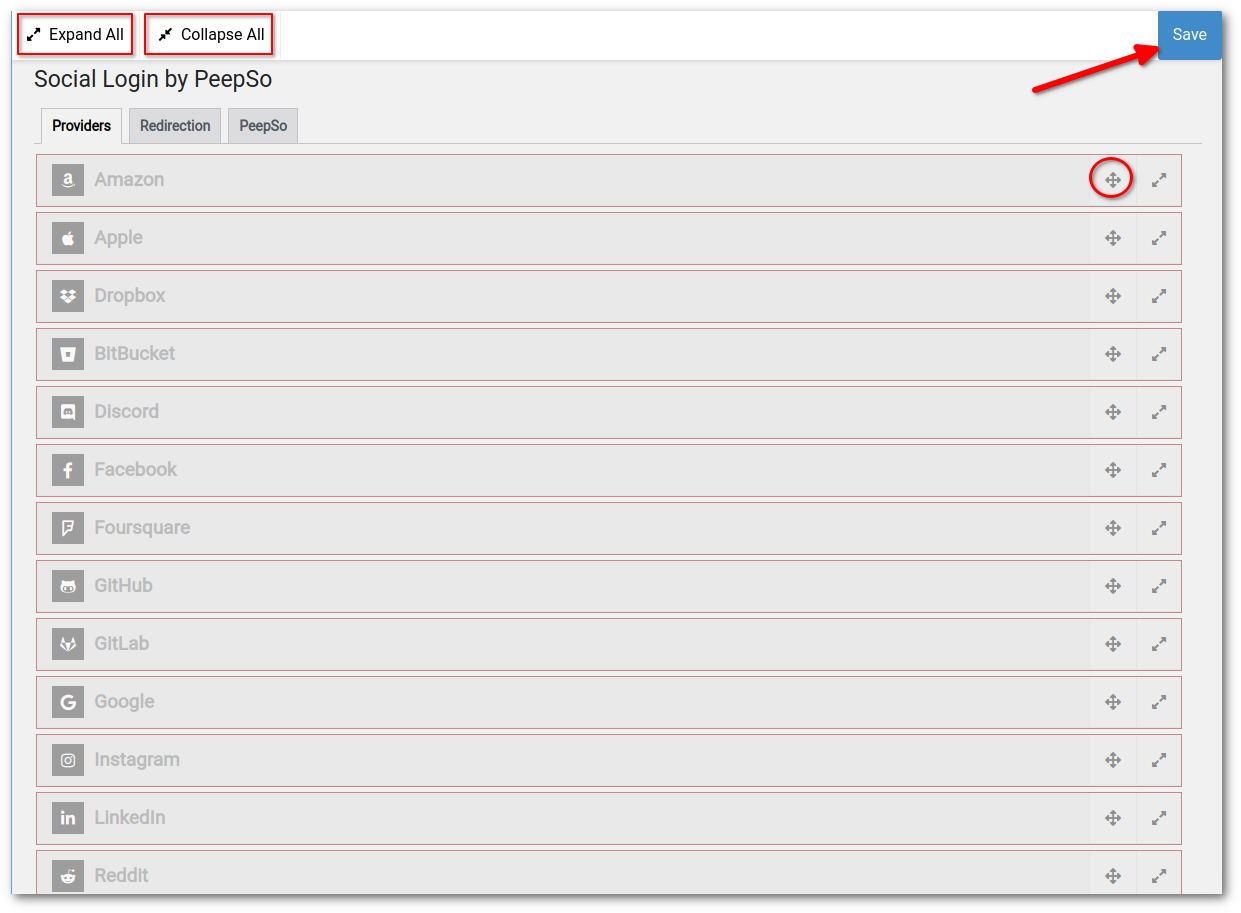
The provider settings can be found by going to WP Admin -> PeepSo -> Manage -> Social Login.
Providers can be reordered, their individual settings expanded or collapsed. Changes can be saved on the bottom of the page or by clicking the Save button on the hovering toolbar.
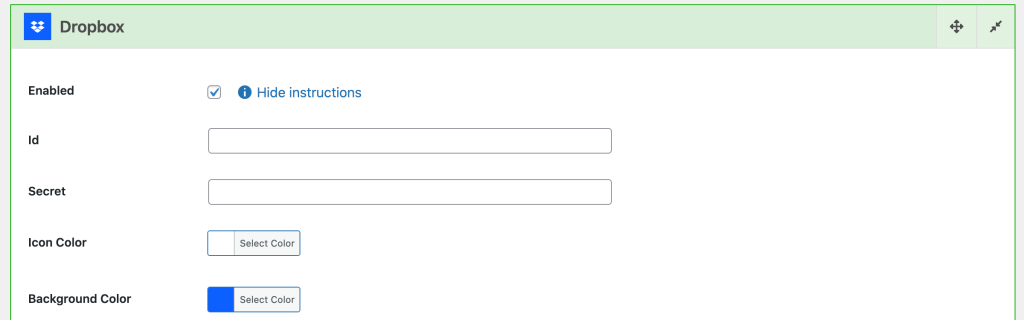
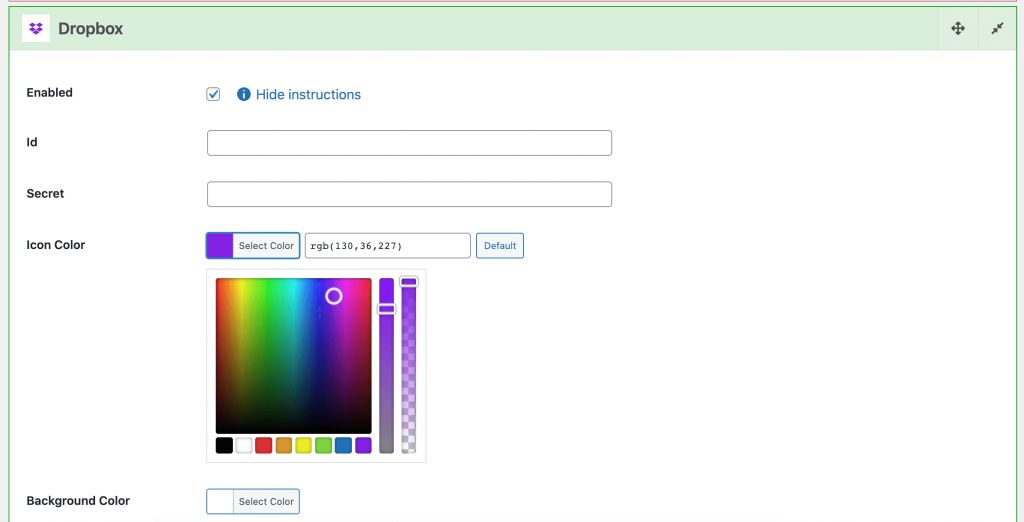
The PeepSo Integrations: Social Login & Invitations plugin settings will also allow you to change the logo color palette for each provider.
Then next to Icon Color and Background Color, click Select color and customize to your liking.
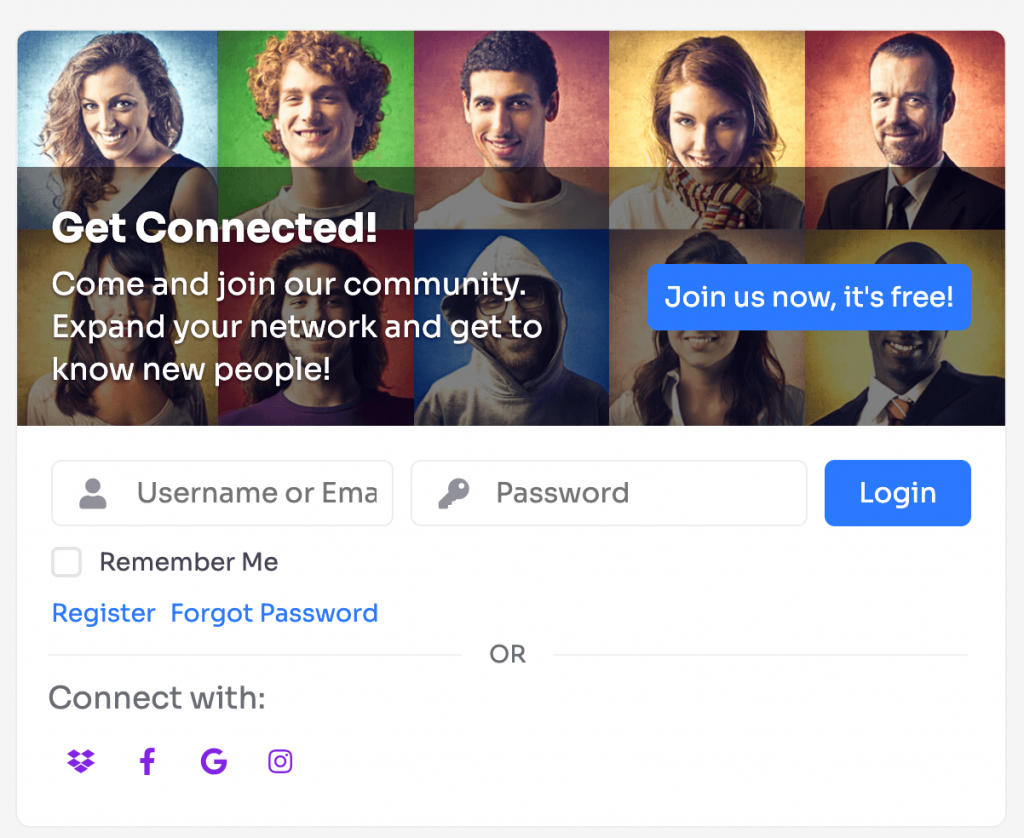
The PeepSo Integrations: Social Login & Invitations plugin: #
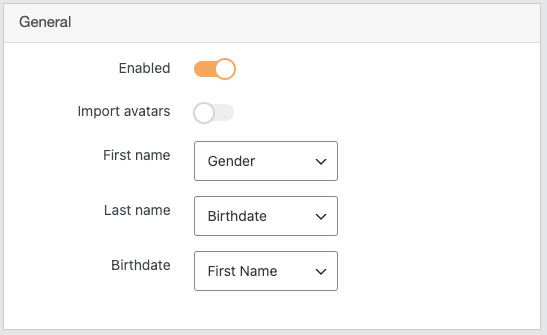
- Enable PeepSo integration – enables the Social Login integration with PeepSo Login form
- Import Avatar – imports avatar from the social provider
- Field Mapping
Maps the information from social provider to selected PeepSo profile field:
-
- First Name
- Last Name
- Birthdate
The video tutorial that covers Social Login & Invitations #
Providers list: #
- Amazon
- BitBucket
- Discord
- Dropbox
- Foursquare
- GitHub
- GitLab
- Slack
- Steam
- Strava
- Telegram
- Tumblr
- WeChat (Beta)
- TwitchTV
- WeChatChina (Beta)


