
The members page allows you to view a list of site members and search for them. To start a search, go to the members page (default /members) and type in the first or last name you are looking for. Keep in mind that the username cannot be used in a search engine.
You can also use the search filters:
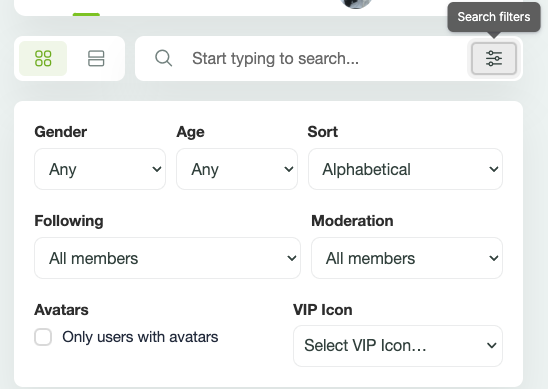
To allow searching for community members by their VIP icon, first enable this feature in WP Admin -> PeepSo -> Configuration -> Appearance -> User profiles section -> VIP icons.
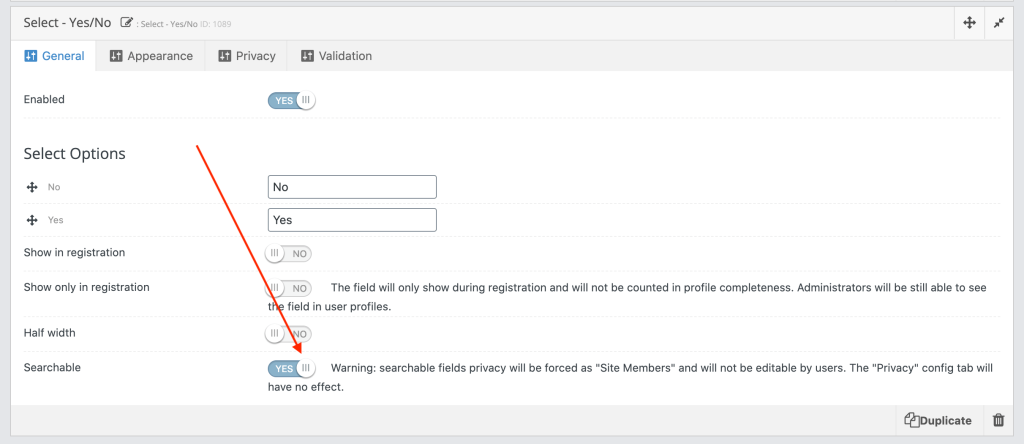
You can also set additional search filters by setting fields as Searchable in WP Admin -> PeepSo -> Manage -> Profile fields. Not all fields can be used in a search. At this point you can add fields: Country, Select – single and Select – Yes / No.