Put your community in a mobile app #
PeepSo App Lite puts your community inside Universo — a free mobile app that PeepSo publishes, maintains and keeps in the Apple App Store and Google Play. There is nothing to build and nothing to submit for review.
Members install Universo once, add your website address to it, and get your community as an app: your logo, your colours, and the same posts, profiles, chat and notifications they already use on the web.
PeepSo App Plus is a paid upgrade to the same plugin. It removes the free tier’s ad rail and unlocks the settings marked “Plus” below — push notifications, custom navigation, the sidebar editor and colour‑scheme switching.
- Install and configure one plugin.
- Members download Universo, enter your website address, and are in.
- No app store account, no build pipeline, no review queue.
Installing the plugin #
Install PeepSo App Lite the way you install any PeepSo add‑on — through PeepSo > Installer, or by uploading the ZIP under Plugins > Add New. Once it is active you get a new PeepSo App Lite menu in wp‑admin.

The menu changes with your licence and your site’s health. Upgrade to App Plus appears only while Plus is inactive, and a Push console appears only once Plus is active and push notifications are switched on. The number badge on Configuration counts failing compatibility checks.
Getting started #
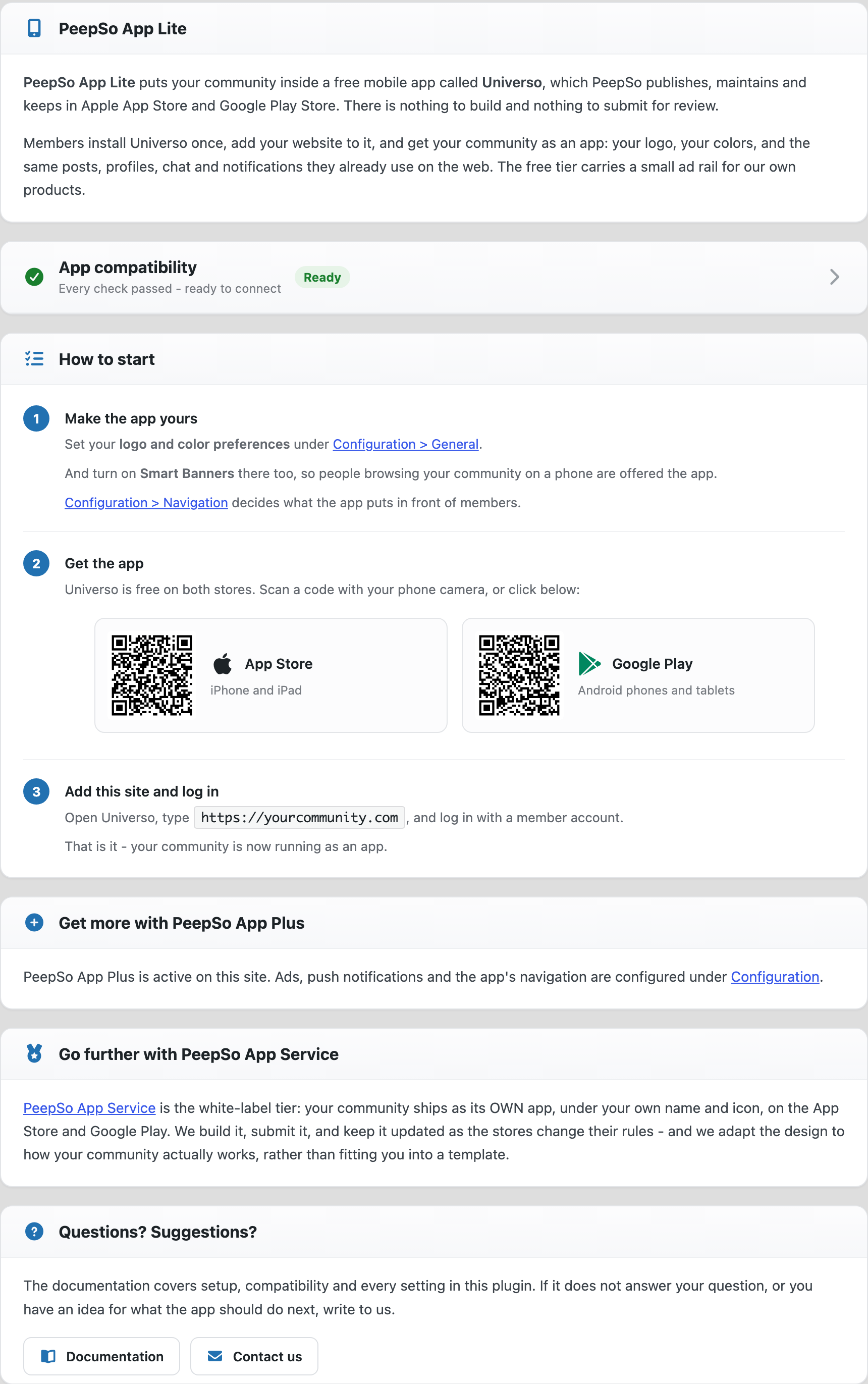
The first screen walks you through the three things that matter — making the app yours, getting members to install it, and adding your site. It also shows QR codes for both stores.
Configuration > General #
Everything on this tab saves as you change it. There is no “Save changes” button — flip a switch and it is stored, and the row tells you so.
Colour scheme #
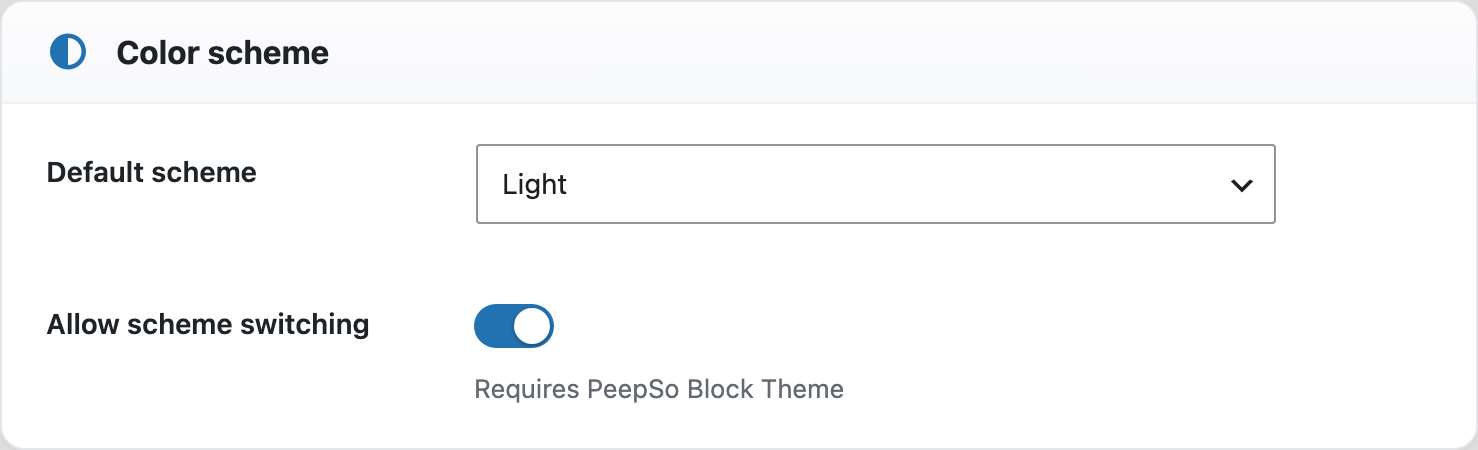
The app runs a single colour scheme at a time — Default scheme picks which one.
With App Plus and the PeepSo Block Theme, you can switch on Allow scheme switching instead. Members then choose Light, Dark or Automatic for themselves from the app’s sidebar, and Default scheme becomes the starting point for anyone who has not chosen.
Appearance #
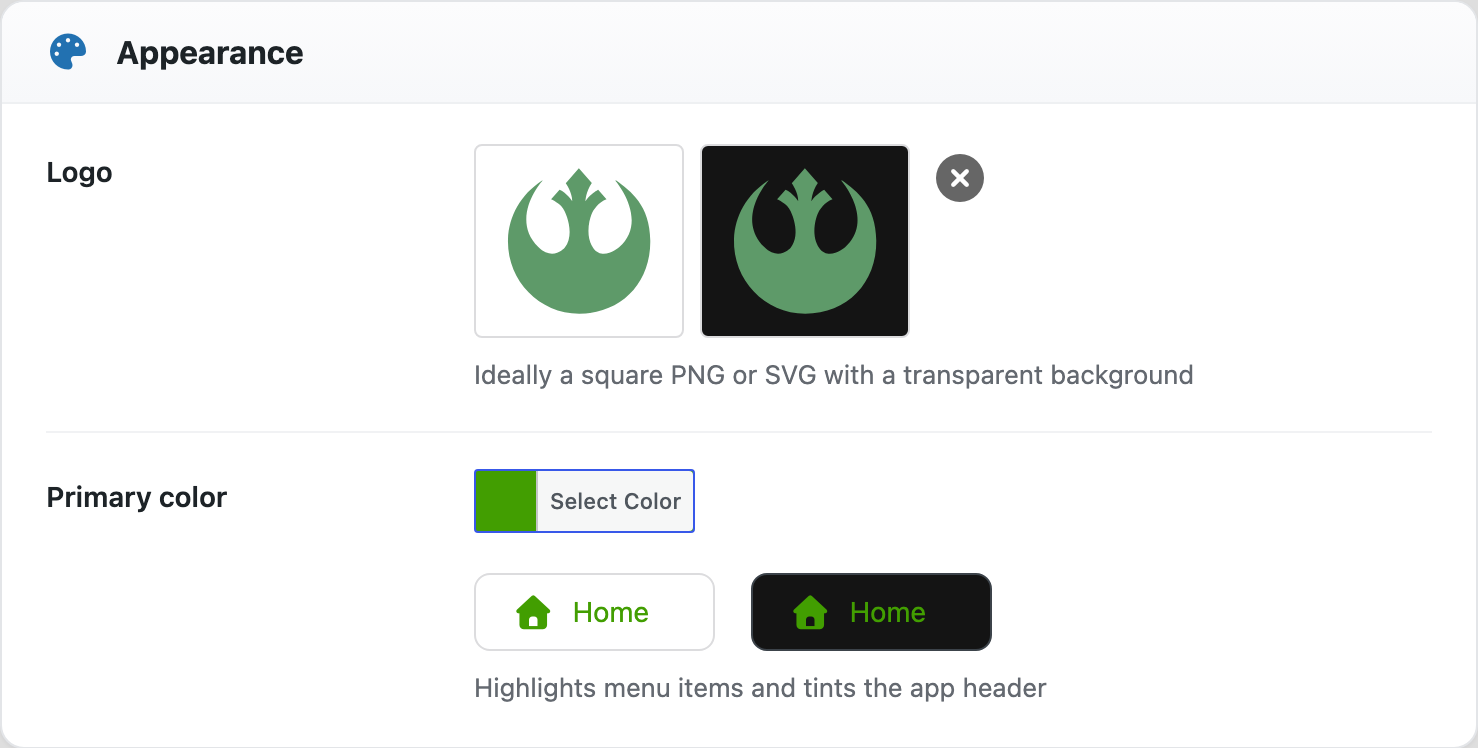
Your logo and primary colour. The logo is best as a square PNG or SVG with a transparent background; the colour tints the app header and highlights menu items. Both previews show light and dark so you can see the logo on either.
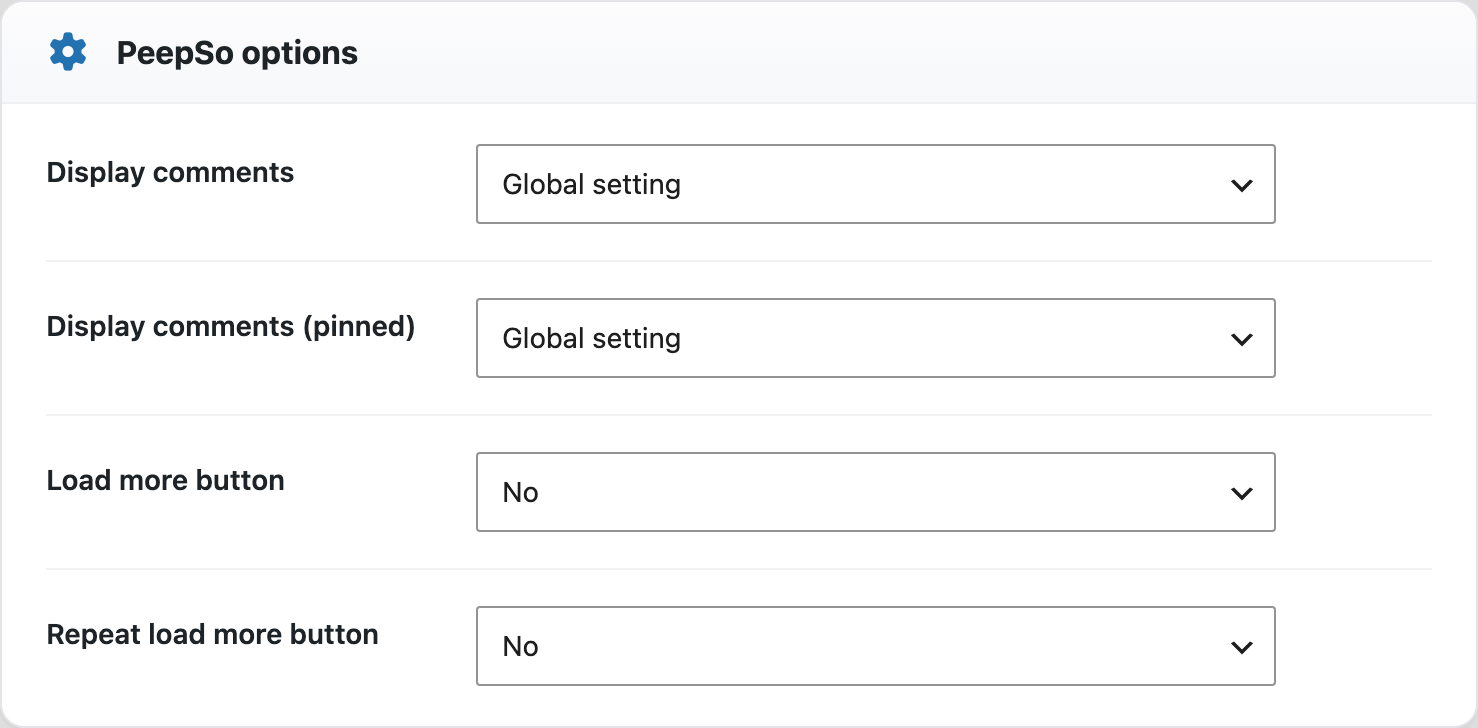
PeepSo options #
Four PeepSo settings the app is allowed to answer differently from your website — comment counts and the “load more” button. Leave them on Global setting to follow the site.
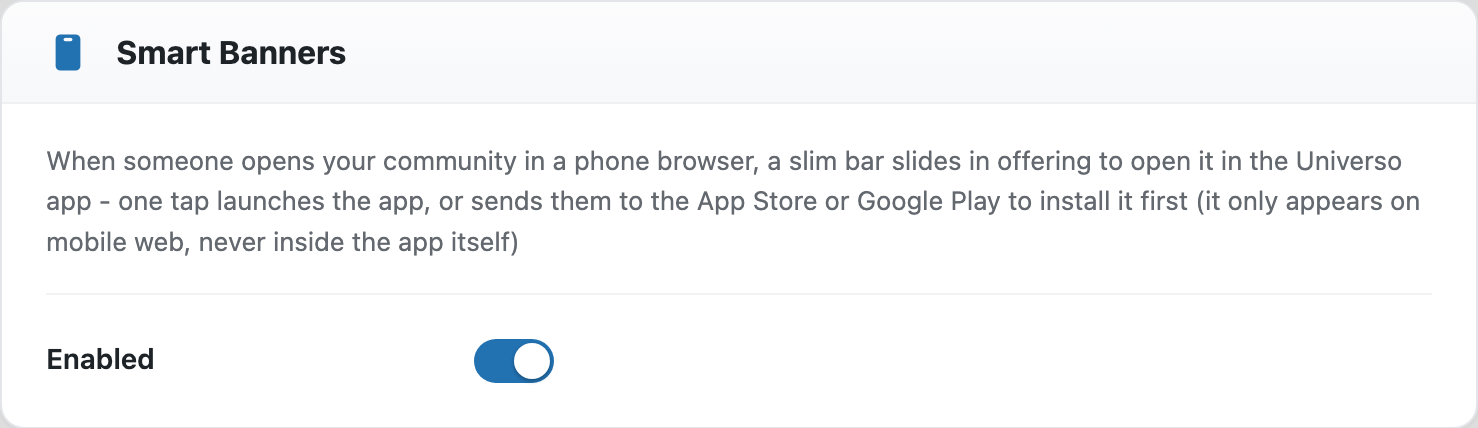
Smart Banners #
On by default. When someone opens your community in a phone browser, a slim bar offers to open it in Universo — one tap launches the app, or sends them to the store to install it. It appears on mobile web only, never inside the app.
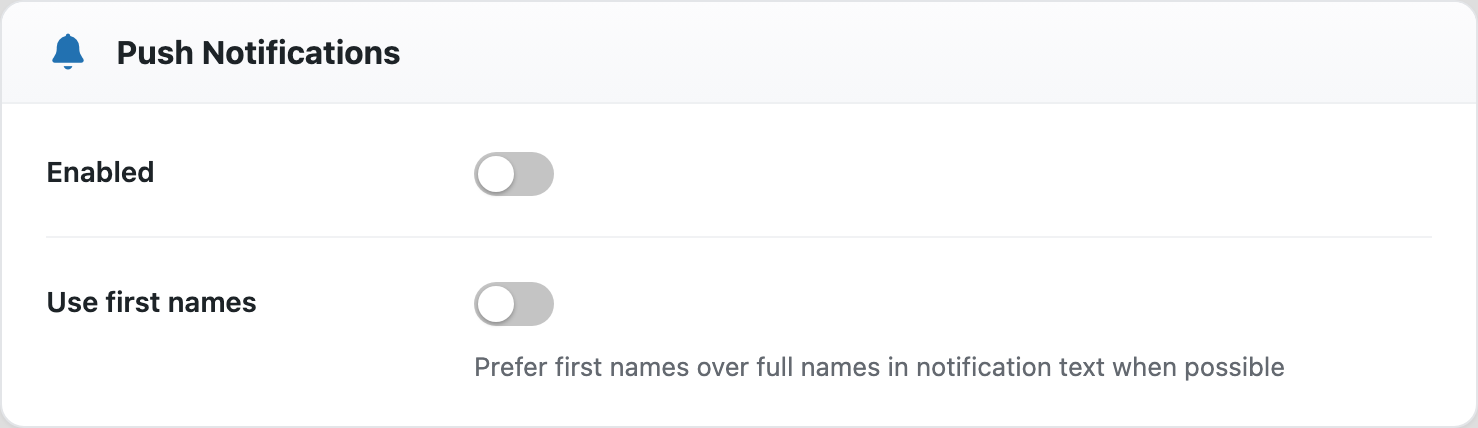
Push Notifications #
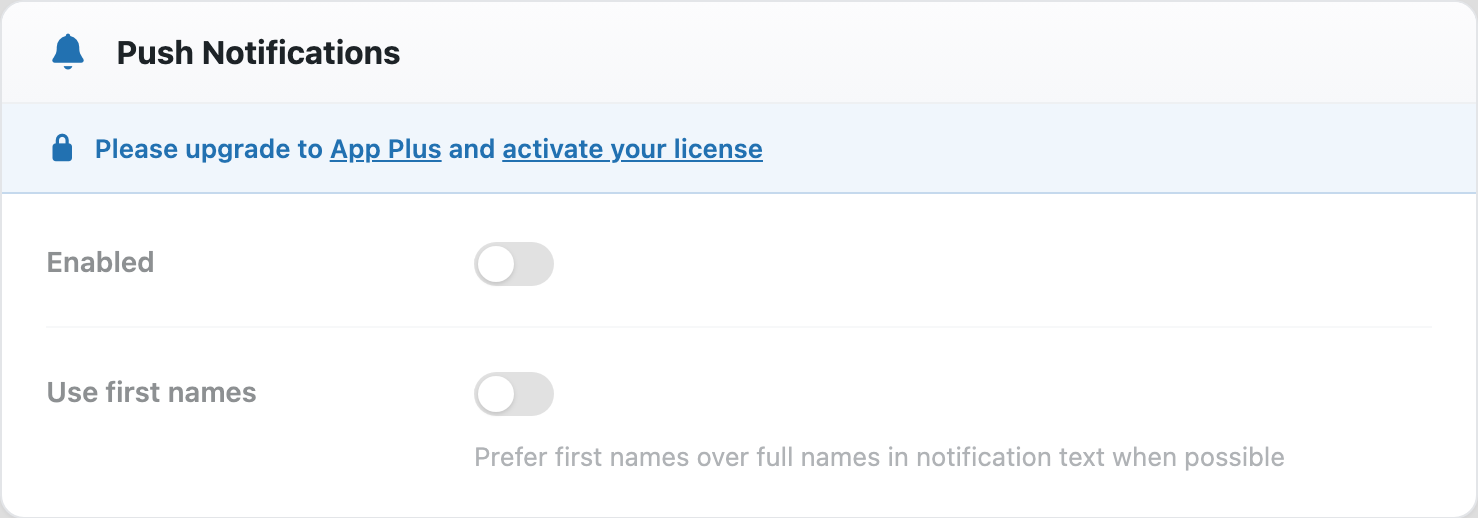
Requires App Plus. Sends your community’s notifications to members’ phones. Use first names prefers first names over full names in the notification text.
Without an active licence the card is locked, and tells you where to go:
Ads #
The free tier carries a small ad rail for PeepSo’s own products. App Plus turns it off.

Configuration > Advanced #
Compatibility #
These options override known blockers in app context only — they never change how your website behaves for ordinary visitors. Both switches are on by default.
- Bypass REST API lockdown — keeps the app’s public configuration endpoint reachable when a security plugin locks the REST API to logged‑in users, and leaves every other route locked.
- Bypass full‑page caching — marks app requests as non‑cacheable, so the app always gets a freshly rendered page and an app render is never served to your ordinary visitors.
- Must‑Use Plugin — an optional helper that overrides third‑party plugins and WordPress settings known to break the app. Install it if the checklist asks you to.
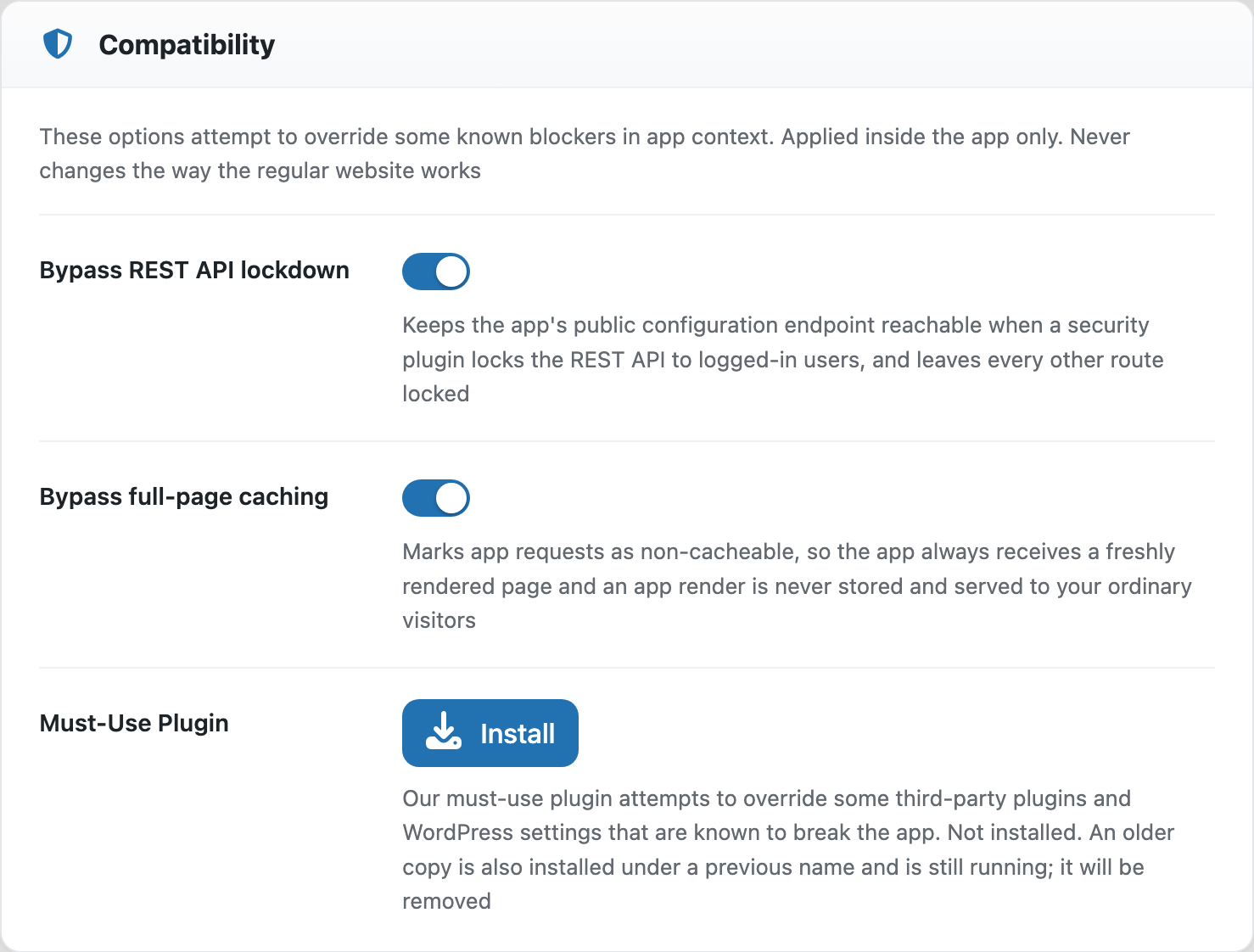
The App compatibility panel at the top of every Configuration tab runs these checks and tells you whether the app can connect. It opens itself when something fails.
Getting started #
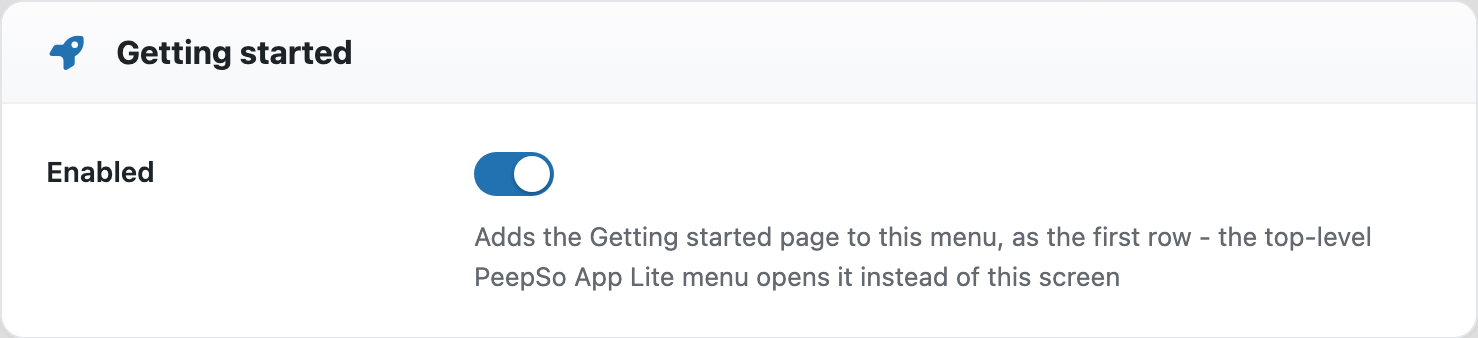
Controls whether the Getting started screen stays in the menu. On by default — while it is on, it is the first row, and the top‑level menu item opens it.
Custom CSS #
CSS applied inside the app only, never on your website. Use it to hide your site header, adjust spacing, or restyle elements just for app users.
Configuration > Navigation #
This tab decides what the app puts in front of members. All three cards require App Plus.
If a combination of settings leaves something with no way in — the sidebar unreachable, or notifications with no button anywhere — a warning at the top of the tab says so and names the two ways to fix it. It does not block saving.
Header #
The strip at the top of the app, in the order it is drawn: logo, its size, the four shortcut icons, and the member’s avatar.
- Logo and Logo size — the size is a percentage of the header’s height.
- Search — off by default. The one icon you opt into.
- Friend requests, Chat, Notifications — each appears only if your site actually runs the feature behind it.
- Avatar and Avatar opens — tapping the avatar opens either the app sidebar or the member’s own profile.
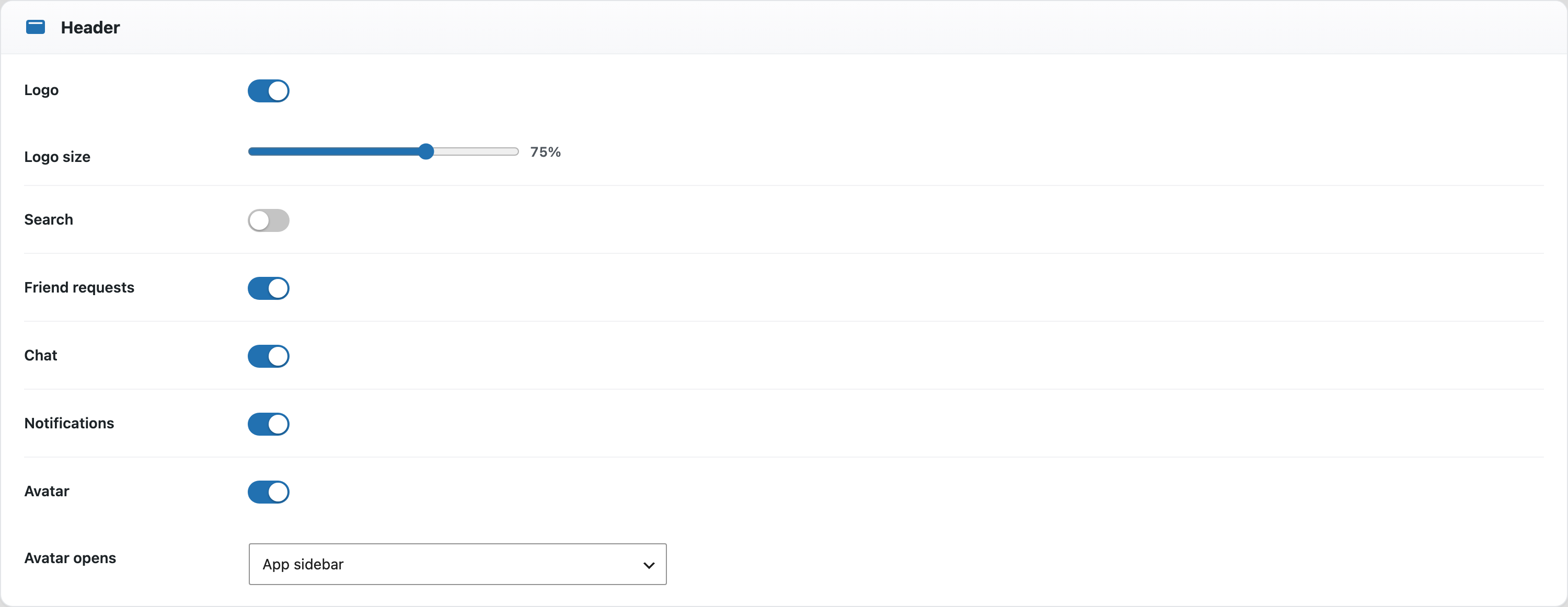
Turn everything here off and the app’s header shrinks to a slim accent strip, giving the space back to your content.
Sidebar #
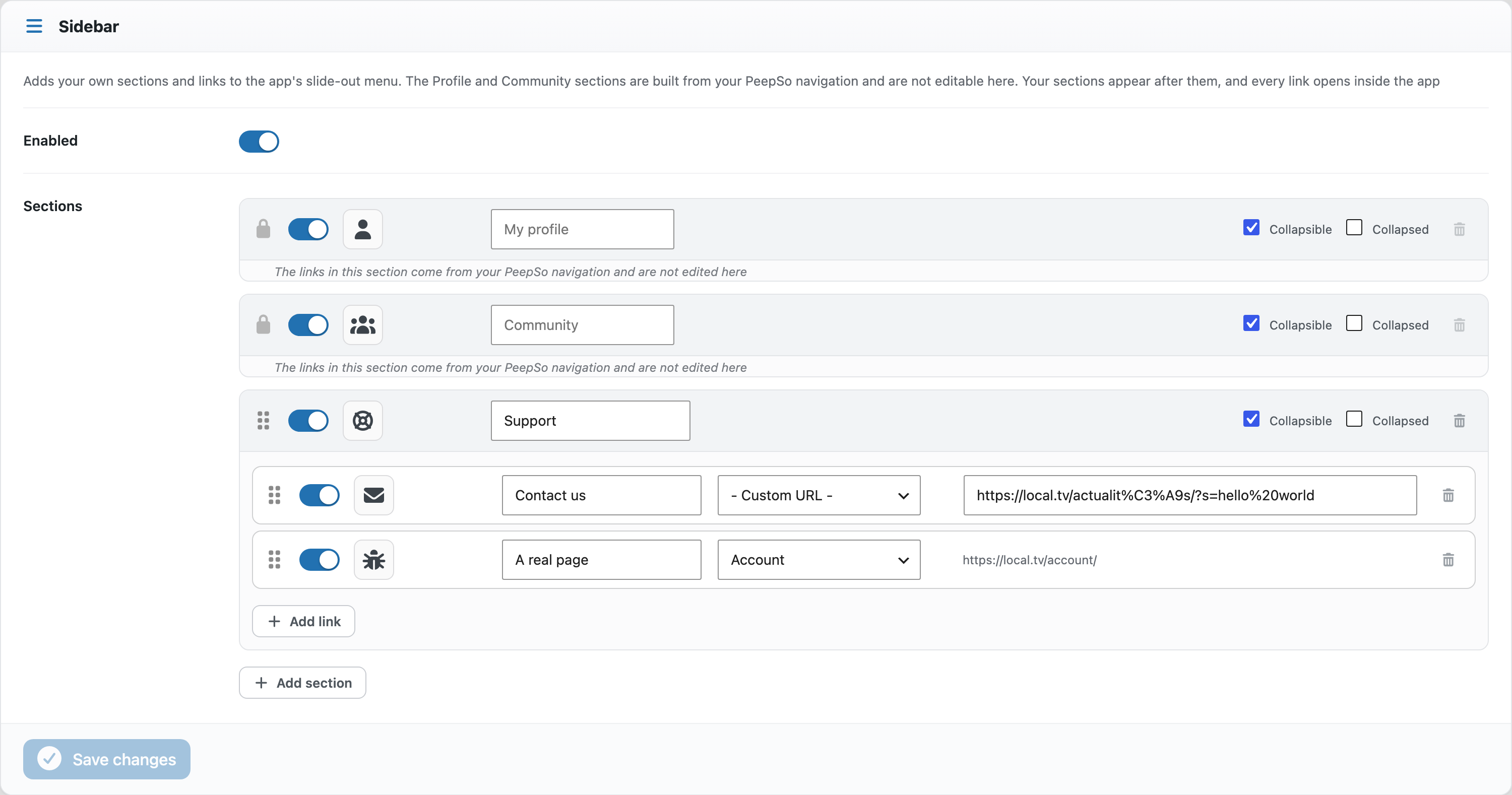
Adds your own sections and links to the app’s slide‑out menu. The Profile and Community sections are built from your PeepSo navigation and are not edited here — your sections appear after them, and every link opens inside the app.
Main Navigation #
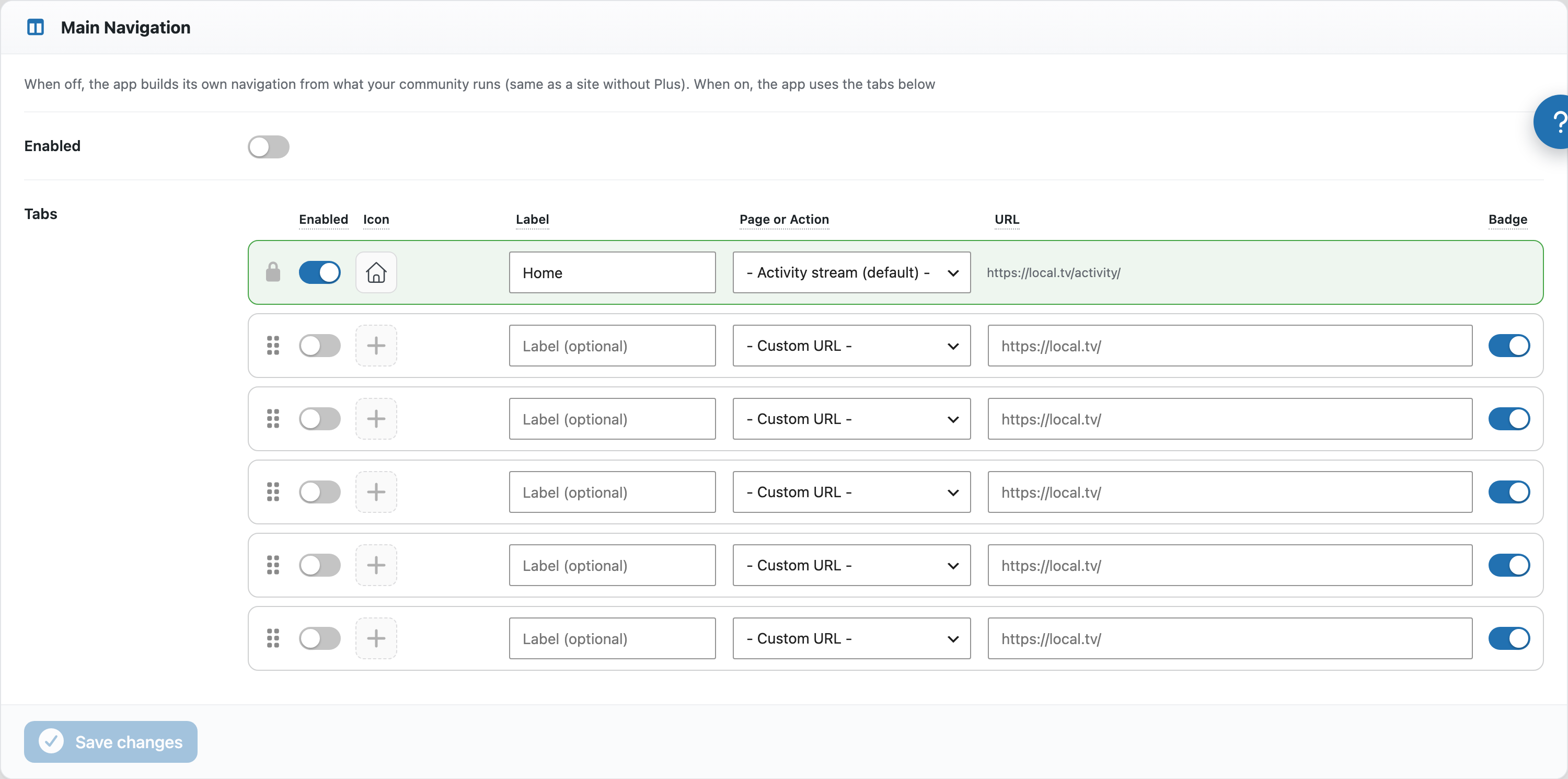
The app’s bottom bar. Home is always first; you configure up to five more, so the bar holds six buttons.
Each row has an icon, an optional label, a destination, and a badge switch that decides whether that tab may carry an unread count.
A destination is a page on your site, a custom URL, or an action — something the app does instead of going somewhere:
- App sidebar — opens the slide‑out menu.
- App notifications, App search, App friend notifications — open the same panels as the matching header icons, so you can move any of them off the header and into the bar.
The icon picker also offers User avatar, which draws the member’s own picture in place of an icon.
Configuration > License #
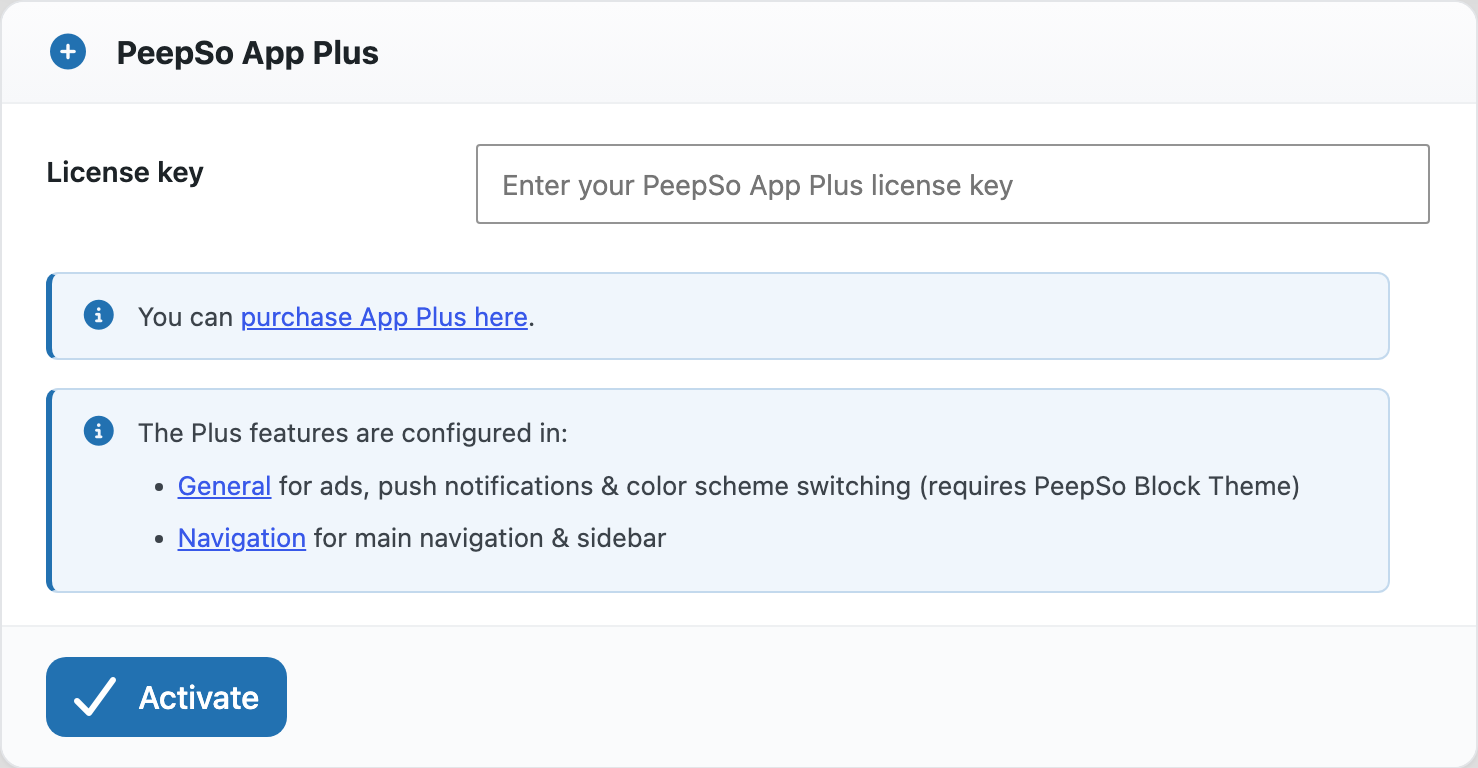
Enter the licence key from your PeepSo App Plus purchase and activate it here. Until you do, the Plus settings stay visible but locked, so you can see what they are before you buy.
Once activated, the card shows where the Plus features live and offers Re‑check and Deactivate.
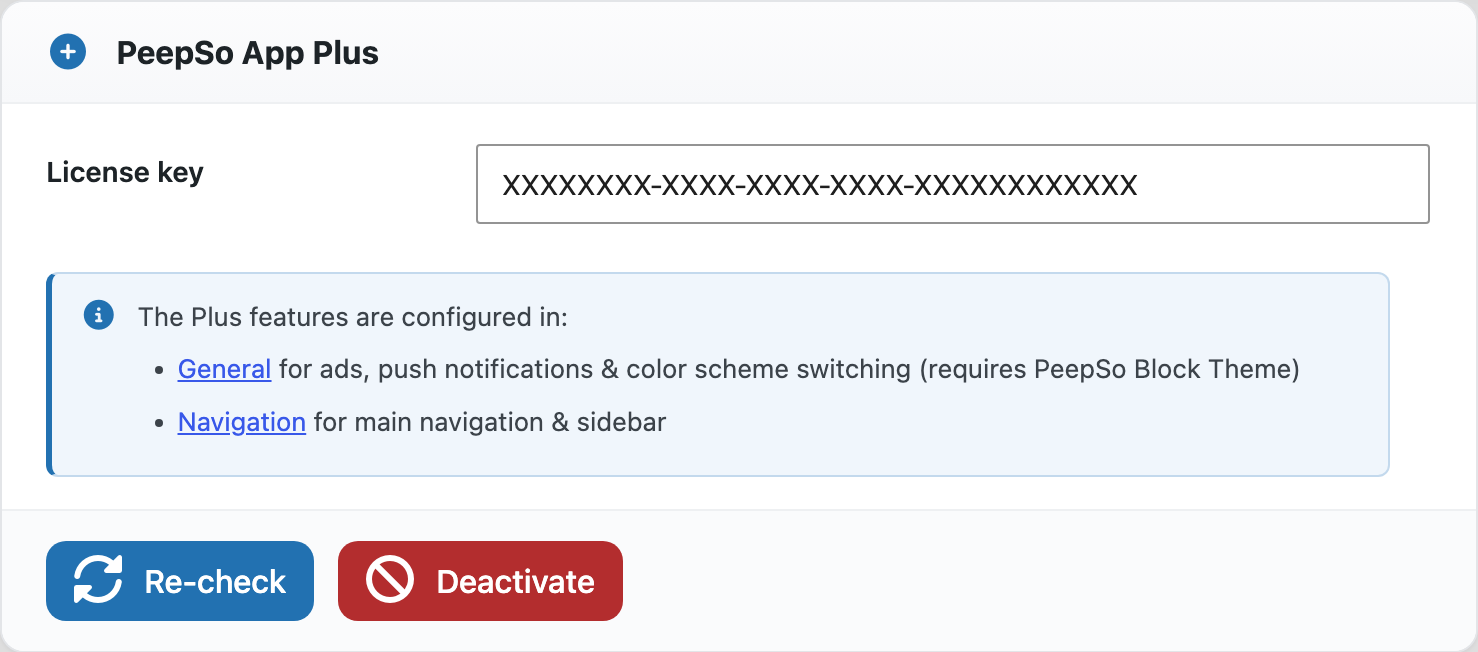
If a licence lapses, the paid features switch themselves off — but your navigation and sidebar configuration is kept, so reactivating restores it.
Statistics #
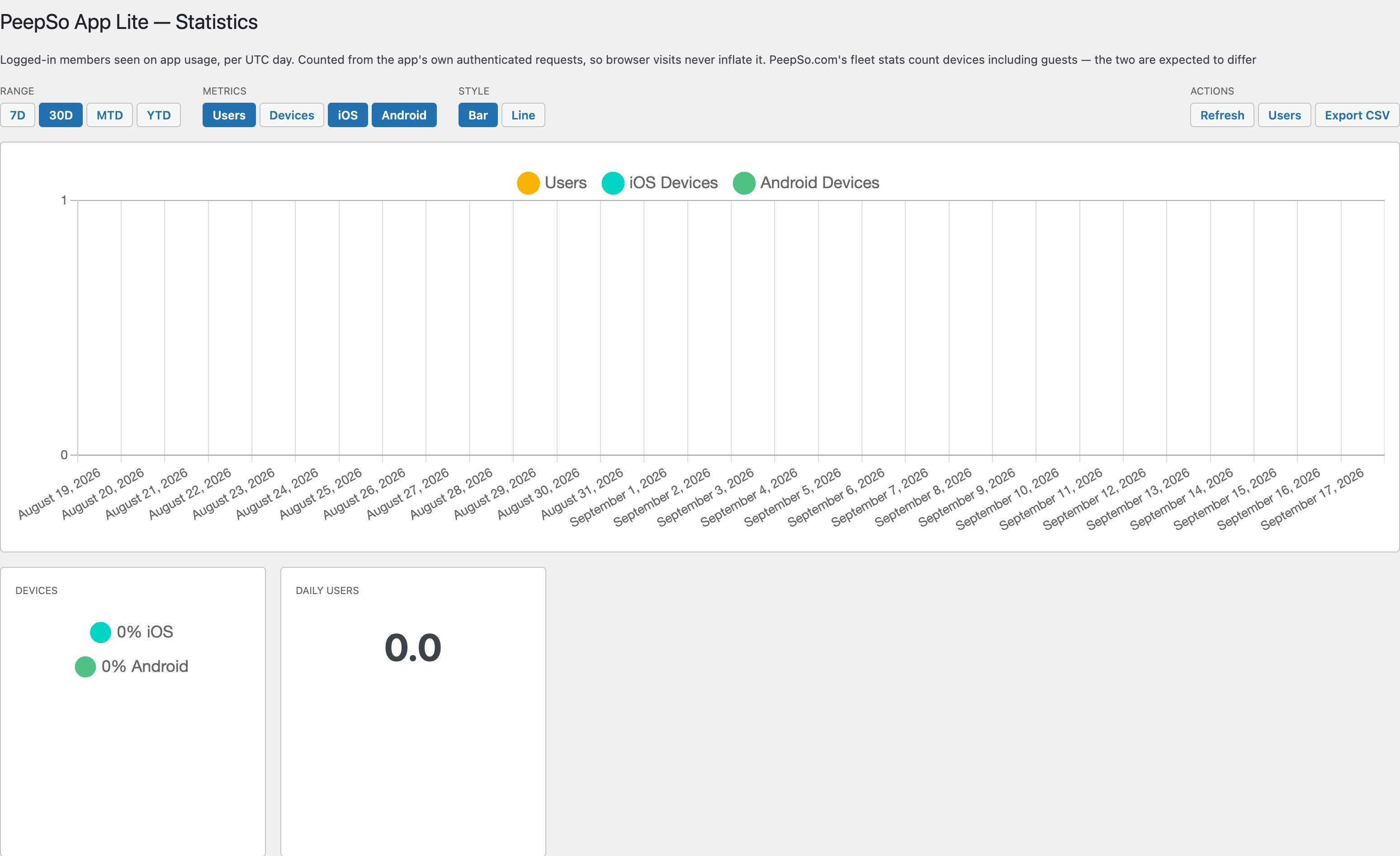
App usage for your community, broken down by logged‑in users, time period and device type. Switch between a bar chart and a line chart, use Actions > Users to open the WordPress user list with each member’s last app use, or Actions > Export CSV to take the data away.