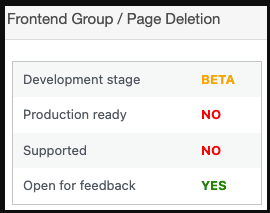
To allow a Group or Page owner and a site admin to delete a Group/Page from the frontend permanently, first you need to install and activate the Early Access plugin: https://peepso.com/knowledgebase/early-access-configuration/, then enable the experimental (currently in BETA)feature “Frontend Group / Page Deletion“:
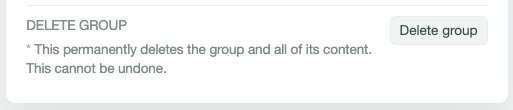
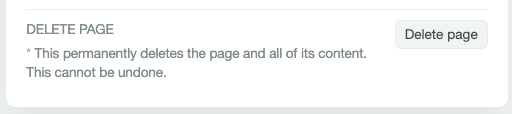
When enabled, a new button named “Delete group”/”Delete page” appears at the very bottom in the Group/Page Settings:
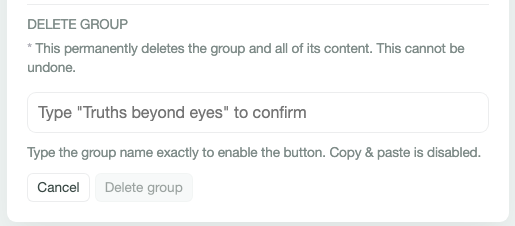
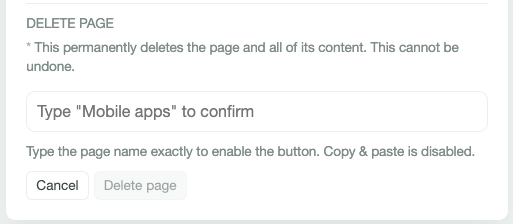
At this stage, to prevent accidental deletion, tapping the delete button doesn’t remove anything, but leads to the next steps. The user has to type (no copy-paste) the Group/Page name (case-insensitive) first to activate this button:
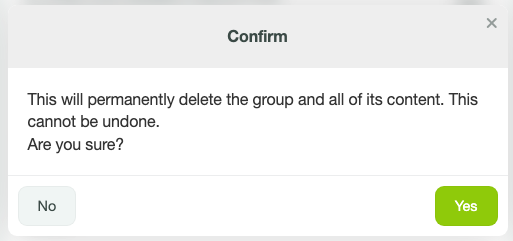
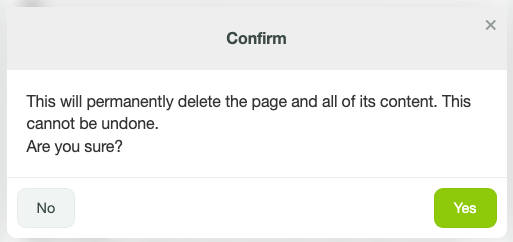
Next, tapping delete shows a final warning: “Are you sure?”.
Tap “Yes” to permanently delete + redirect back to the community (groups/pages listing).
Tap “No” to reload the page: