

PeepSo Apps: Lite, Plus, Service
Make Your Community Mobile
Turn your WordPress community into a real mobile app for iOS and Android.
Start free on the shared Universo app in about 15 minutes. Add push and your own menus for $99/year. Go fully white-label with PeepSo App Service if and when you’re ready.
Works with every licensed PeepSo community – Free Bundle included
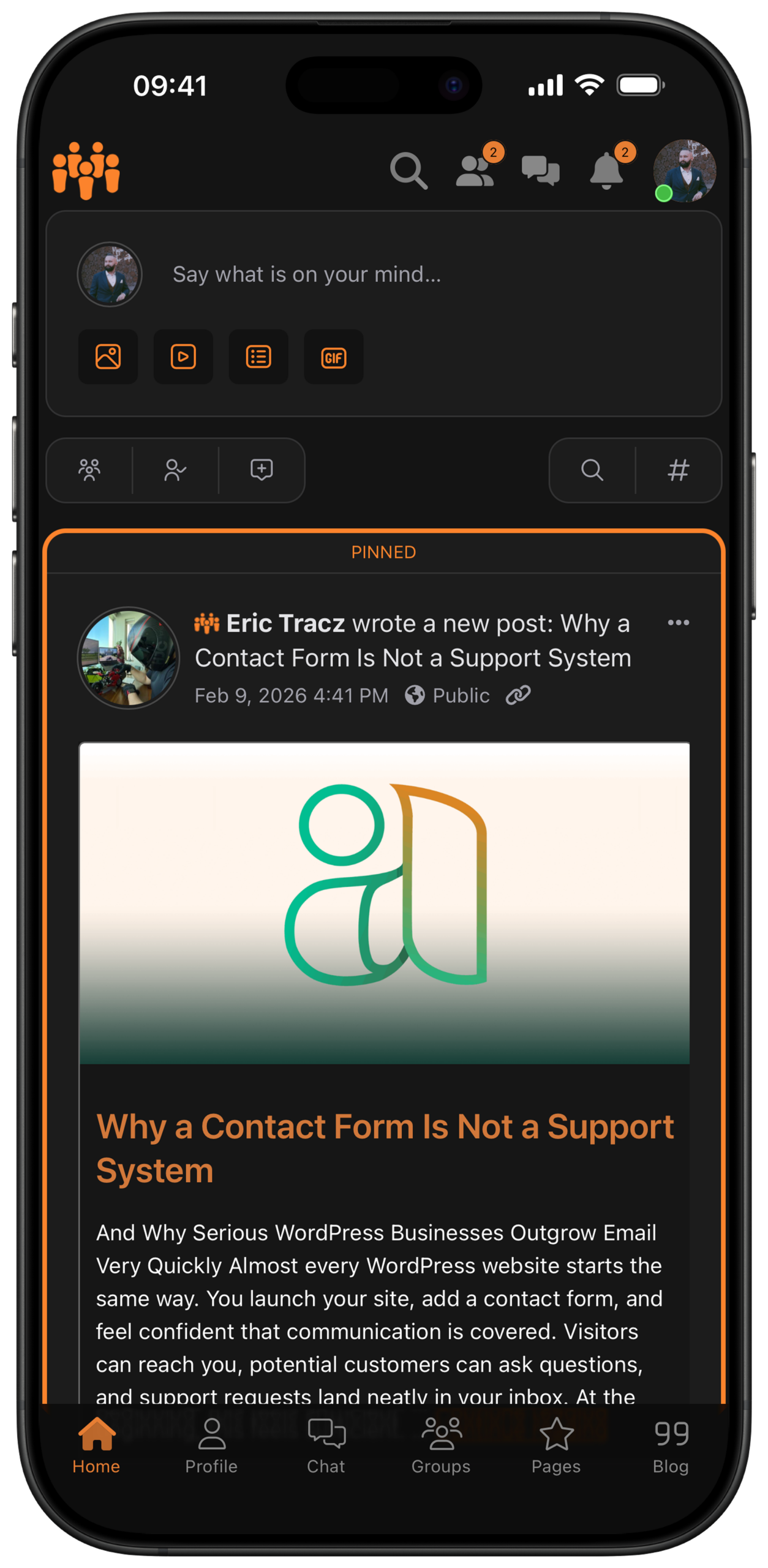
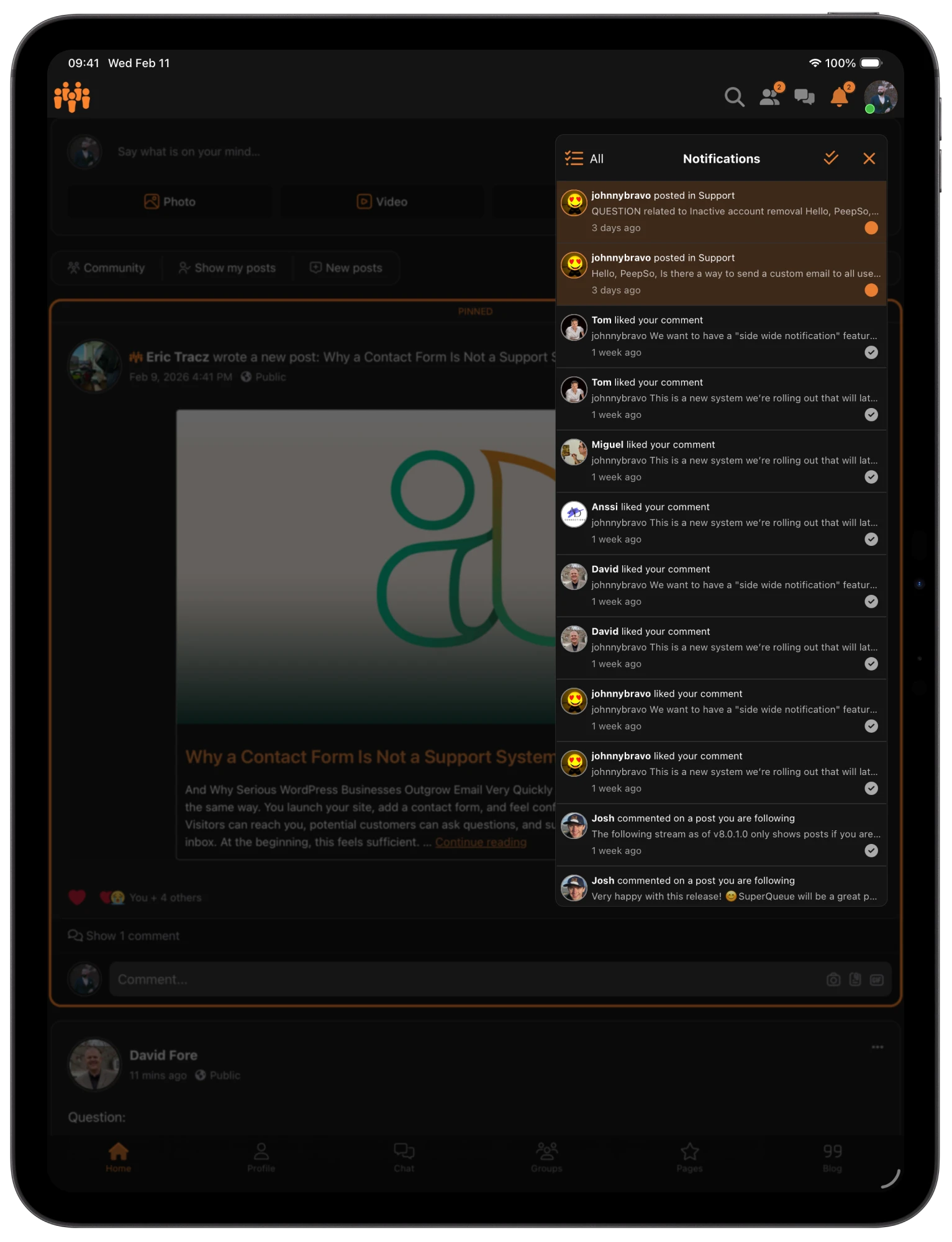
—
Pricing
Pick how much of it you want to own.
Similar base experience for members every time. What changes is branding, control, advanced features, and who carries the app forward.
Lite is free because it shows ads and lives in the shared Universo Community app. When you need more, Plus removes the ads – and Service removes even our name.
App Lite
The shared app
FREE
Your website inside the shared Universo Community app.
Universo Community app
Compatible with most communities
Completely free, with ads
Live in about 15 minutes
App Plus
The shared app, more freedom
$99
/ per year
The same shared app, with notifications and advanced customization.
Everything in App Lite
Push notifications
Ads removed
Customizable navigation
App Service
Your app, fully managed
$999
A white-label & white-glove service.
Custom built
White label
We handle everything
By purchasing PeepSo Mobile App Service, you agree to Mobile App Policy.
—
PeepSo App lite
How to start for free
PeepSo App Lite is a great place to start, in a few easy steps
Install & configure the plugin
Install and activate the App Lite plugin via the PeepSo Installer. Configure your logo and colors.
Turn on the Smart Banners, so mobile visitors are offered the relevant app for their platform.
Download the app
On your phone, install the Universo Community app from Apple App Store or Google Play Store.
Type your website’s URL & log in.
And that’s it!
Get more with Plus
PeepSo App Plus allows you to hide ads, receive push notifications and modify the navigation menus.
Subscribe to Plus when you’re ready.
—
Peepso app service
PeepSo App Service
When you want an app that is truly your own
We handle everything
From configuration, through testing and store presence, to app submission – PeepSo team handles the entire process for you.
Your brand through and through
The app carries your name, logo and colors from beginning to end, and appears on the Stores under your own brand.
Store-ready, and kept that way
Apple and Google change rules and release new OS versions regularly. We handle submissions, rejections, iOS / Android updates and re-releases, so your app stays live, compliant and compatible.
Push notifications, done properly
Every PeepSo notification reaches the lock screen in two minutes or less – PeepSo Chat and Better Messages are both supported.
Send custom broadcasts push notifications with links to all app users, or only selected roles.
Tailored to you
The App Service is not fully limited to a specific template, so the layout and functionality of the app can be adapted to your use case and needs.
Questions? Ideas?
Would you like to know more about the service? Do you need a custom idea implemented? We’re here to help – contact us!.

Universo


The Universo app is an universal app developed and maintained by PeepSo. It’s designed to connect to any WordPress site running PeepSo with the PeepSo App Lite plugin.

PeepSo
The PeepSo Community App is an example of an app built through the Mobile App Service. Download the PeepSo Community App and stay connected with our community anytime, anywhere, right from your mobile device.
FAQ
Frequently Asked Questions
Restrictions and limitations
Please refer to Mobile App Policy for an exhaustive documentation.
—
Pricing
Pick how much of it you want to own.
Similar base experience for members every time. What changes is branding, control, advanced features, and who carries the app forward.
Lite is free because it shows ads and lives in the shared Universo Community app. When you need more, Plus removes the ads – and Service removes even our name.
App Lite
The shared app
FREE
Your website inside the shared Universo Community app.
Universo Community app
Compatible with most communities
Completely free, with ads
Live in about 15 minutes
App Plus
The shared app, more freedom
$99
/ per year
The same shared app, with notifications and advanced customization.
Everything in App Lite
Push notifications
Ads removed
Customizable navigation
App Service
Your app, fully managed
$999
A white-label & white-glove service.
Custom built
White label
We handle everything
By purchasing PeepSo Mobile App Service, you agree to Mobile App Policy.