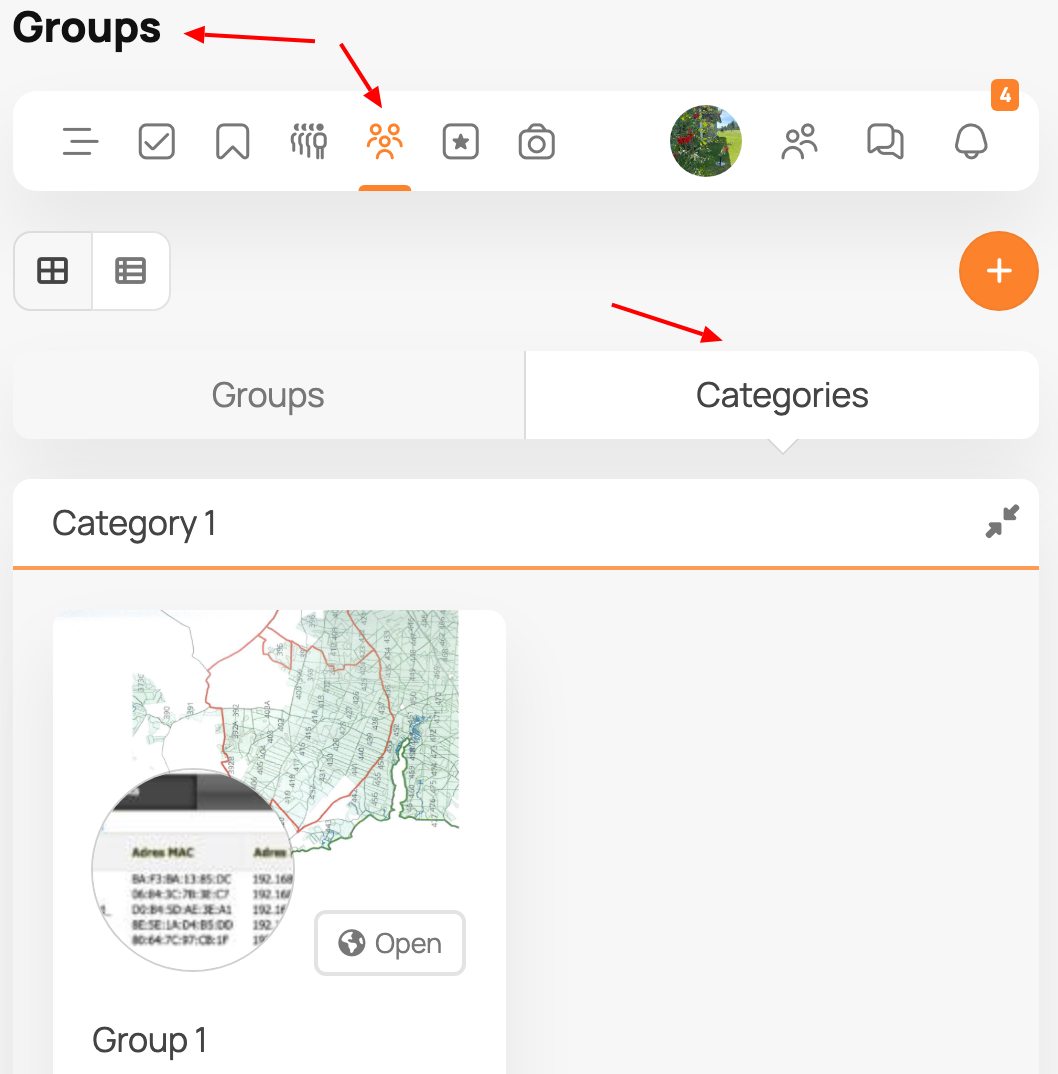
Group categories have their own pages. The pages contain the group category stream and the group listing within the category. The group category stream – a stream made up from all group posts within the category the current user has the right to see. Administrators can define custom avatars and covers and custom URL slug in the backend configuration. This allows you to categorize your community content in more ways, and since one group can be in multiple categories, the resulting system is more flexible than the idea of sub-groups.
To get group categories on your site, first you need to “Enable group categories” setting in PeepSo > Configuration > Groups backend configuration.
Then, create group categories in PeepSo > Manage “Group categories”.
Group category page can be accessed when users click on the group category title in the groups page.