WordPress blog posts can be attributed to a PeepSo Page rather than the individual WordPress user.
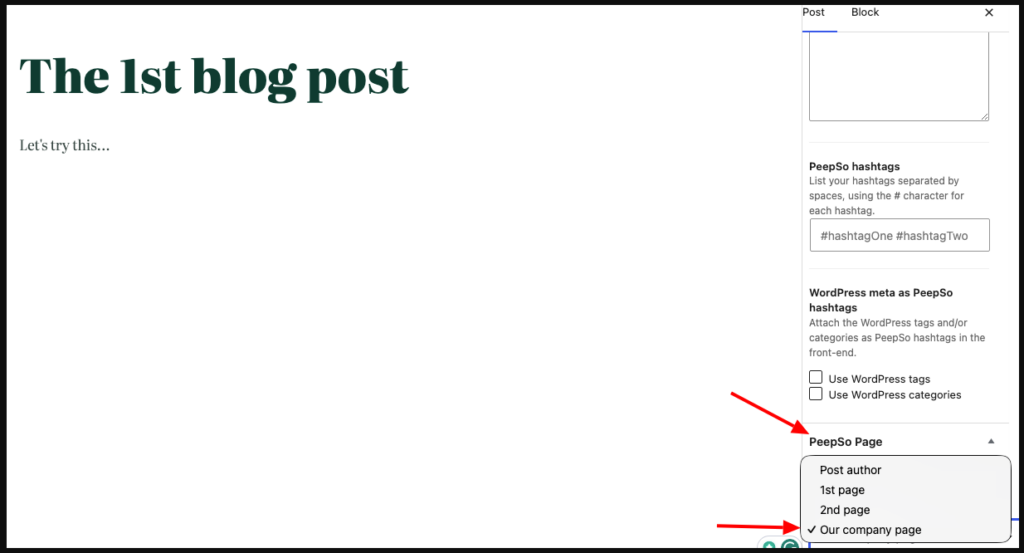
With the “Post to Activity Stream” enabled in WP-Admin > PeepSo Configuration > Blog Posts, when creating/editing a blog post, select a PeepSo Page and publish/update the blog post:
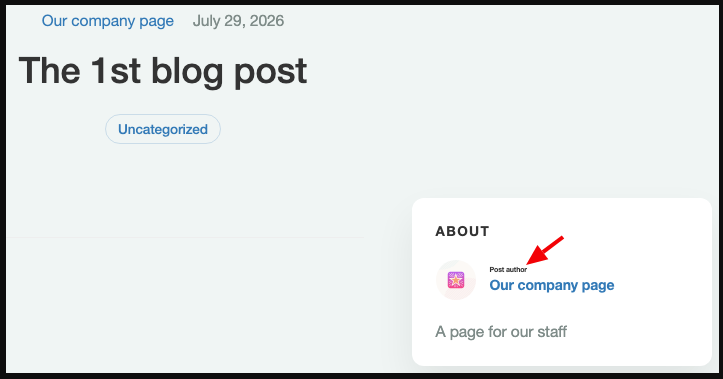
The published blog post shows the page name, in this example, “Our company page,” as the post author:
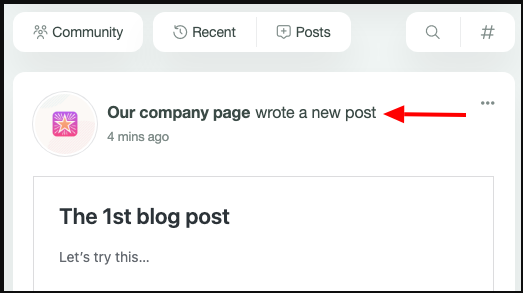
You can change the Page as the author of the blog post to a user, and also attribute an older post to a Page.
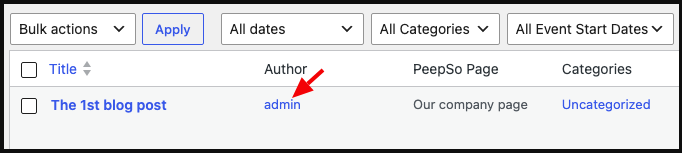
In WP-Admin > Posts, the real Author is always shown. It was an admin in this example.
With the “Author Profiles” enabled in WP-Admin > PeepSo Configuration > Blog Posts, a new “Post” tab is added to Pages: