After setting up the configuration in the WP Backend as explained in this document users will be able to report the various different content on the site.
Reporting a Post #
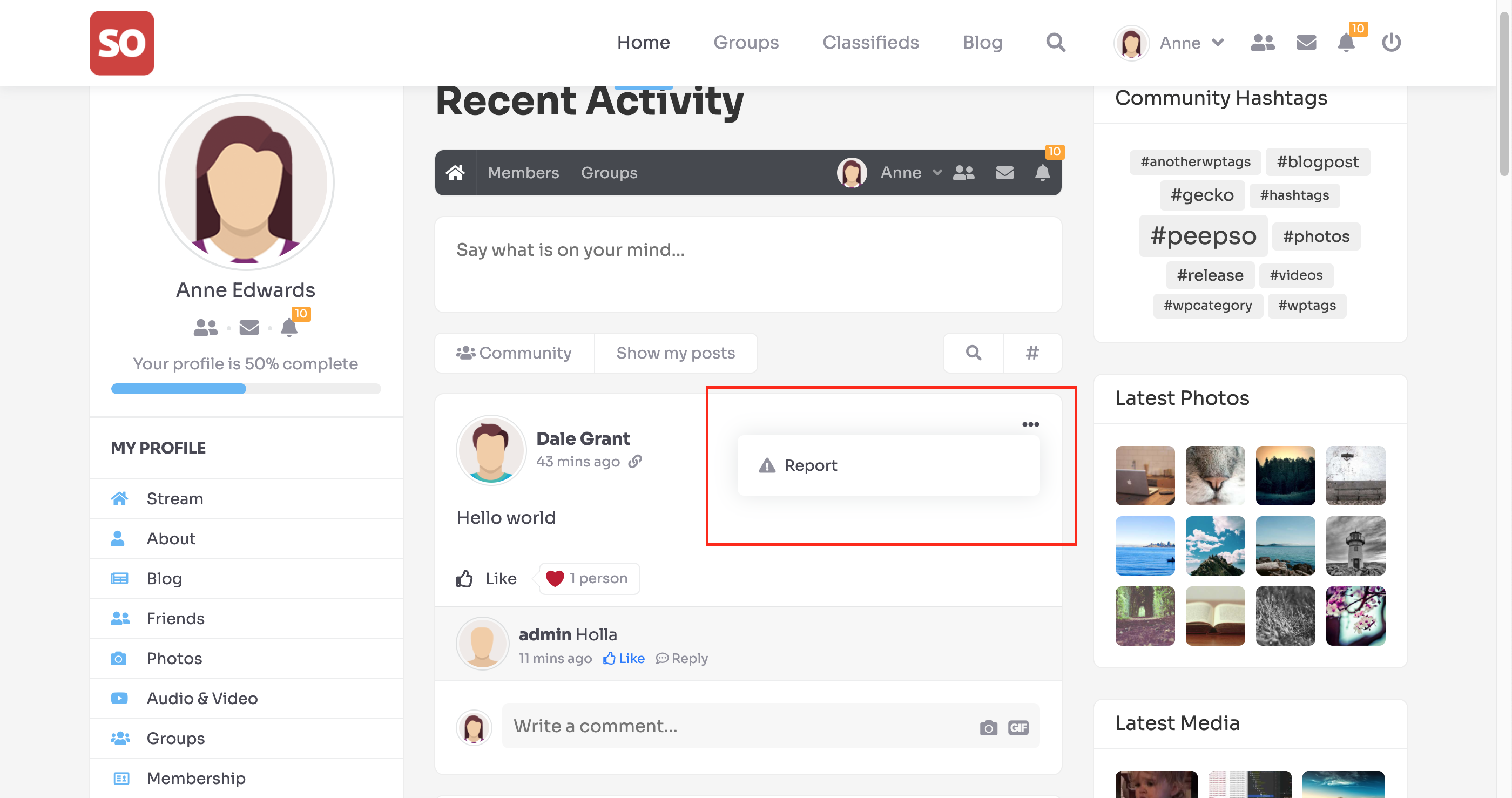
Users of the community can report the post content by clicking on the dropdown icon in the top right corner of the stream.
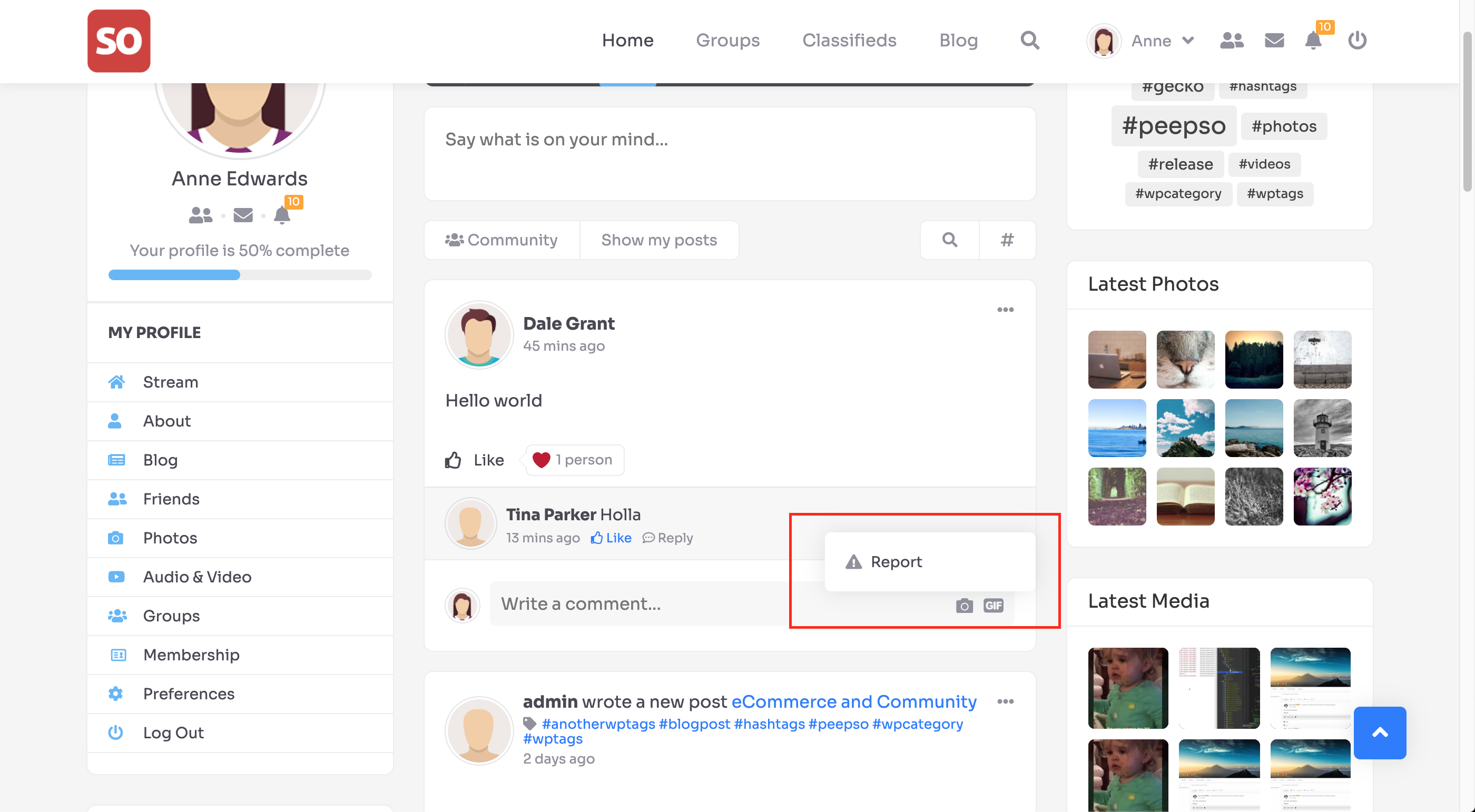
Reporting a Comment #
Likewise, users can also report comments
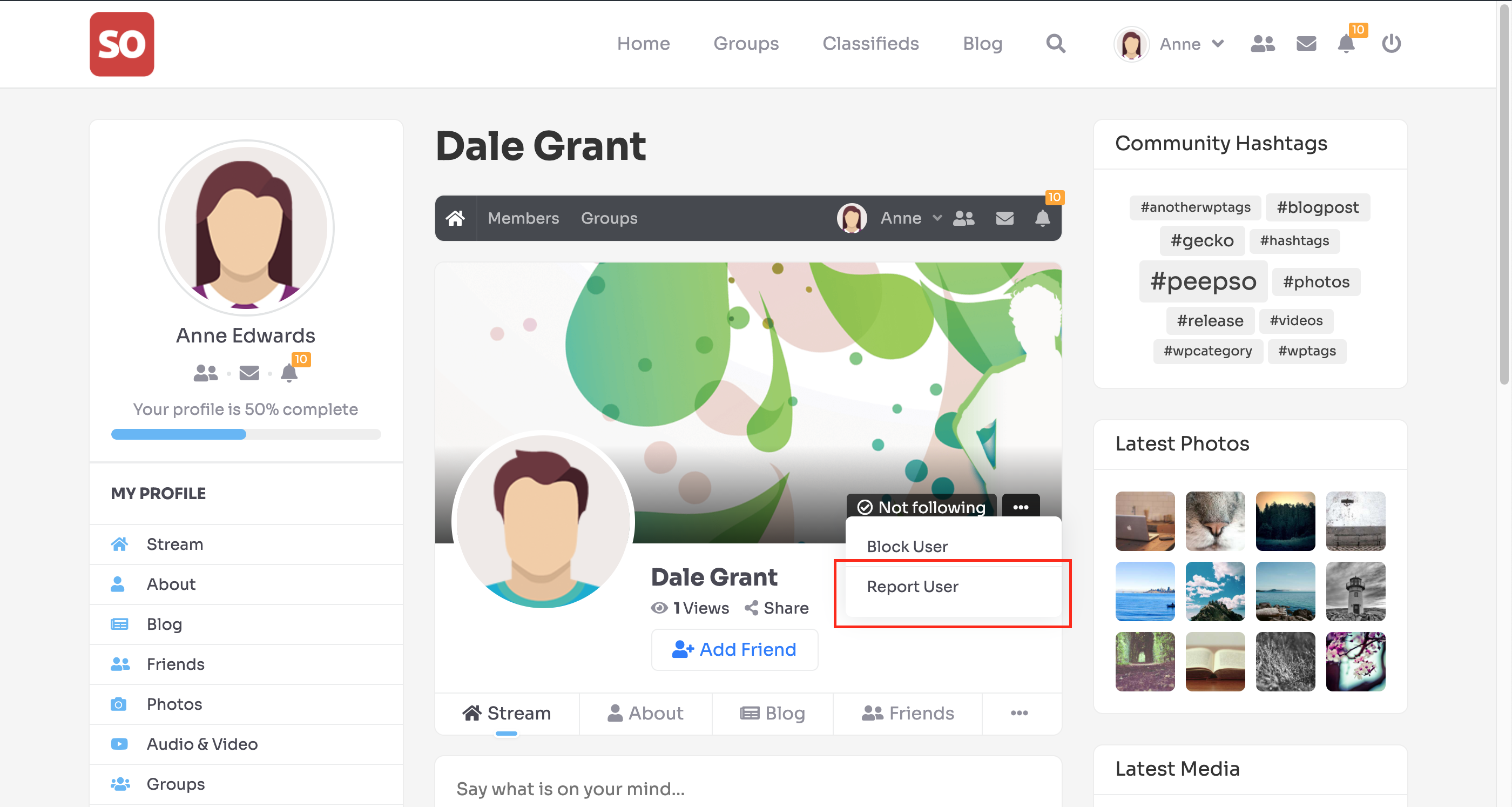
Reporting a User #
If you find the users who break the rules, you can report them too
.
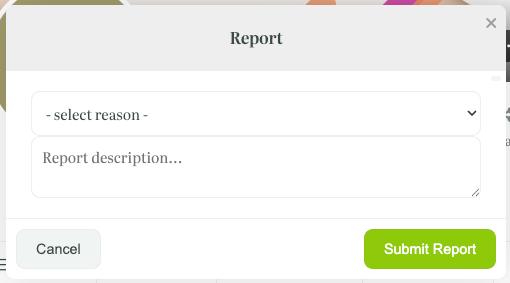
When you decide to report posts, comments, or users, you will have to select a reason and, optionally, add a description before submitting reports:
.
Moderation-managing the reports #
Only Agents can view and manage all kinds of submitted reports.
Managing reported posts and comments #
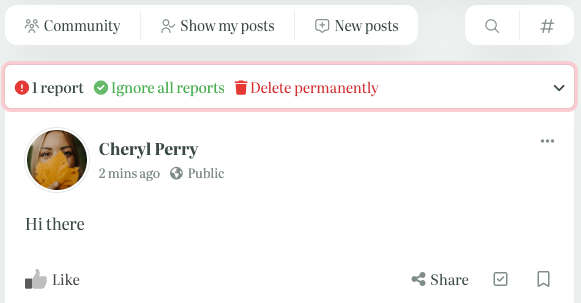
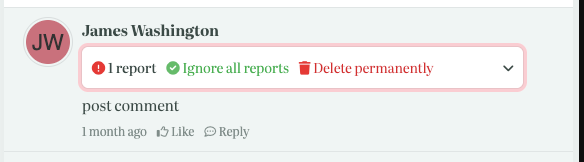
In cases of reported posts and comments, the special box automatically appears on top of each reported post or comment:
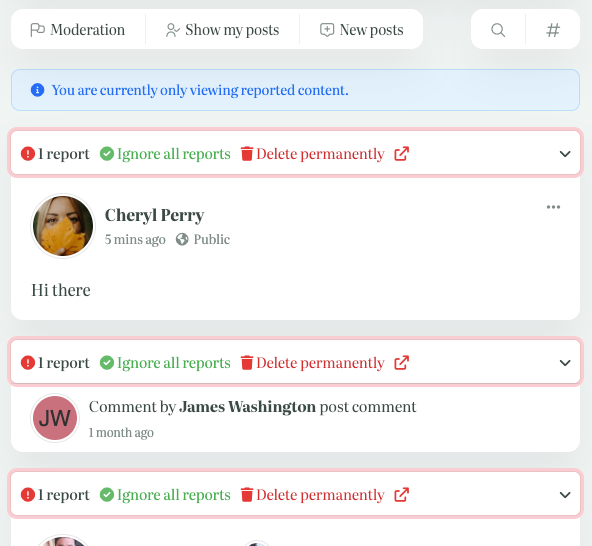
Agents can also use the “Moderation” filter to see all the reported content:
Expanding the box, Agents will see the report’s reason and the additional description when added:

Agents can choose whether to ignore the report or permanently delete the reported post or comment.
Managing reported Users #
In cases when Users are reported, the Agents will see the additional “Profile Reported” information added to the User’s name, and also a special additional box here:
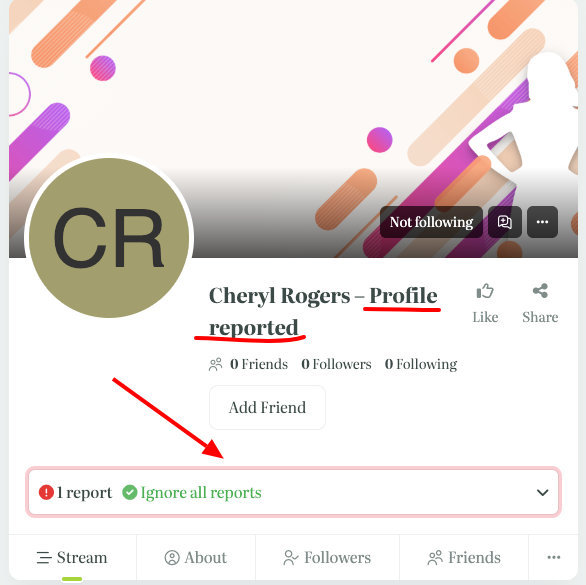
Expanding the box, Agents will see the report’s reason and the additional description if added.
They can ignore the report or take any other action, for example, ban the user (using the three dots button).
They can also view all the reported profiles on the Members page, applying the “Reported” search filter:
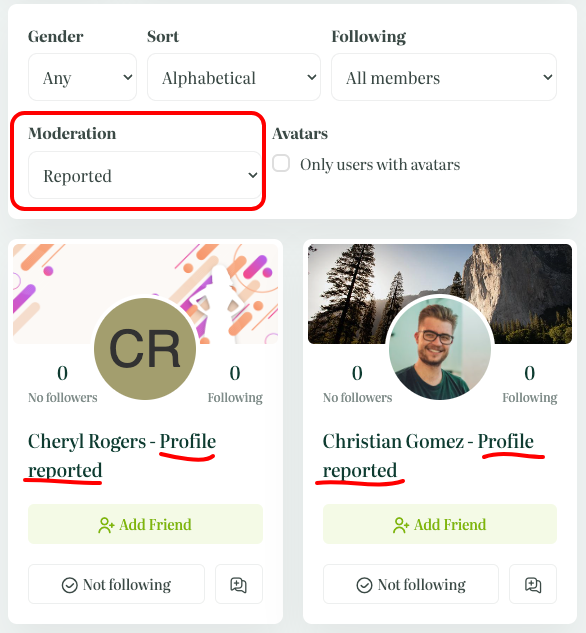
.
Email alerts #
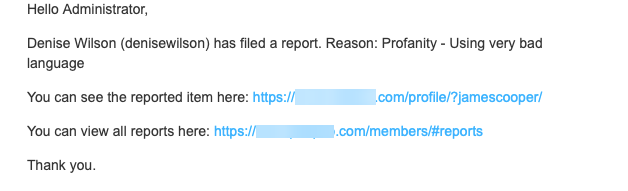
When “Email Alerts” are enabled in WP Admin > Peepso > Configuration > Moderation, Administrators and Community Administrators will receive e-mails about new reports.
These emails contain links to the reported content or profile, as well as to the list of all reports.
The email with the “Reported Content” in the subject looks like this:
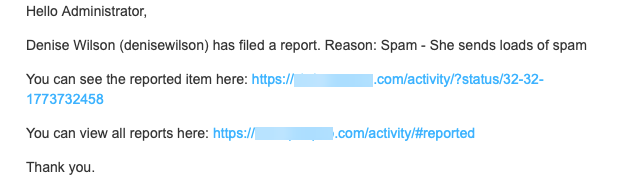
And the email with the “Reported Profile” in the subject: