


A Facebook-style community gives people a familiar place to post updates, join groups, build profiles, share media, and keep conversations active. The problem is that building that experience on Facebook means building on rented land. Your audience, content, data, visibility, and monetization options sit inside someone else’s platform. With WordPress and PeepSo, site owners can create a private social network directly on their own website, complete with activity streams, member profiles, groups, pages, messaging, notifications, and media sharing.
Why Build a Facebook-Style Community on Your Own Website?
Facebook Groups are easy to start, but they come with limits. Your members are surrounded by distractions. Your posts compete with ads, algorithm changes, unrelated content, and other groups. Even worse, your most valuable community asset lives outside your website.
A self-hosted community changes that. You own the platform. You control the member experience. You decide how content is organized, how members interact, and how your community connects with courses, products, memberships, events, and email marketing.
For creators, coaches, membership site owners, and entrepreneurs, that control is valuable. A Facebook-style community can support retention, repeat visits, deeper relationships, and stronger brand loyalty.
What Makes a Website Feel Like Facebook?
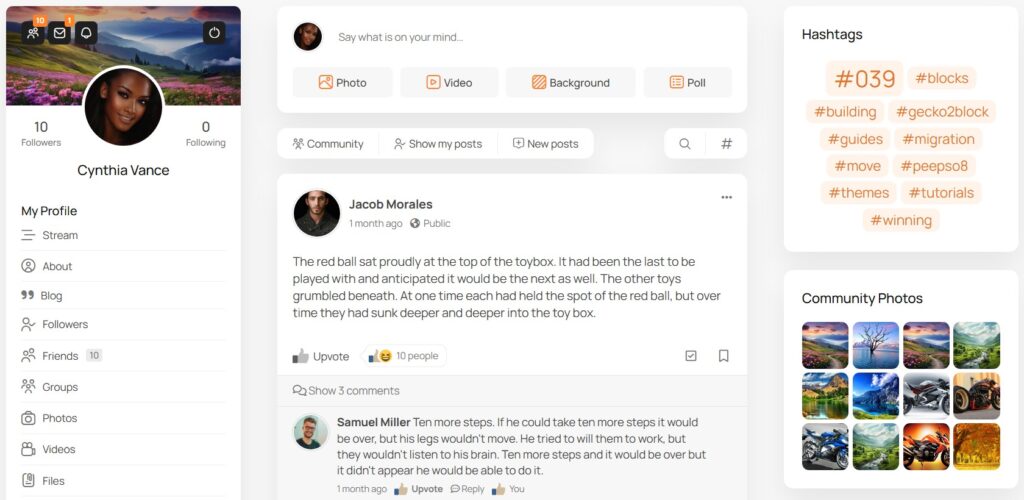
A familiar social experience usually starts with a central activity stream. Members expect to write posts, comment, reply, react, upload media, and see what others are doing. They also expect profiles, groups, private conversations, and notifications that bring them back into the community.
PeepSo gives WordPress site owners those core social features inside their own website. Members can post to the community stream, interact in groups, build profiles, share photos and videos, send messages, and receive notifications.
Start With the Right Community Structure
Before installing features, define the purpose of the community.
A course creator may need a private student community. A membership site may need discussion areas for paid members. A brand may need a customer hub. A creator may want a fan community with updates, media, and direct engagement.
The structure should match the reason people join.
For most communities, the best foundation includes a main activity stream, member profiles, topic-based groups, private messaging, notifications, and clear navigation.
With PeepSo, that structure fits naturally inside WordPress. The community can live beside blog posts, sales pages, landing pages, WooCommerce products, LearnDash courses, events, and advertising systems.
Use an Activity Stream as the Community Hub
The activity stream is the heartbeat of a Facebook-style website.
It gives members one central place to see what is happening. New posts, discussions, comments, group updates, and media can all bring the community to life.
A strong activity stream should feel active from the first visit. Site owners can seed it with welcome posts, announcements, discussion questions, member spotlights, and useful resources.
A practical way to launch is to create several starter conversations before inviting the wider audience. Empty communities feel quiet. Active communities encourage participation.
With PeepSo, the activity stream can become the default destination members visit after logging in. That helps move attention away from outside social platforms and back into the website.
Add Member Profiles That Feel Personal
Profiles help members feel seen.
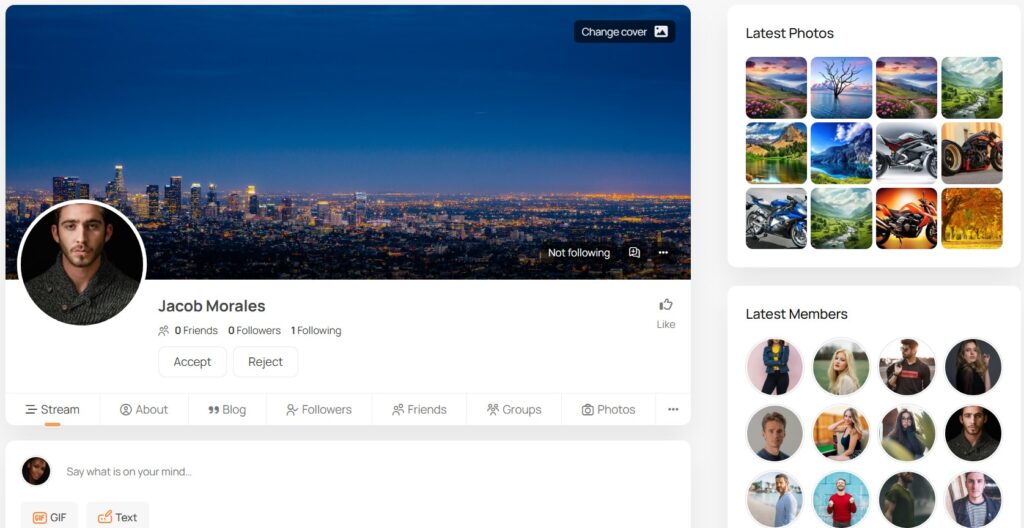
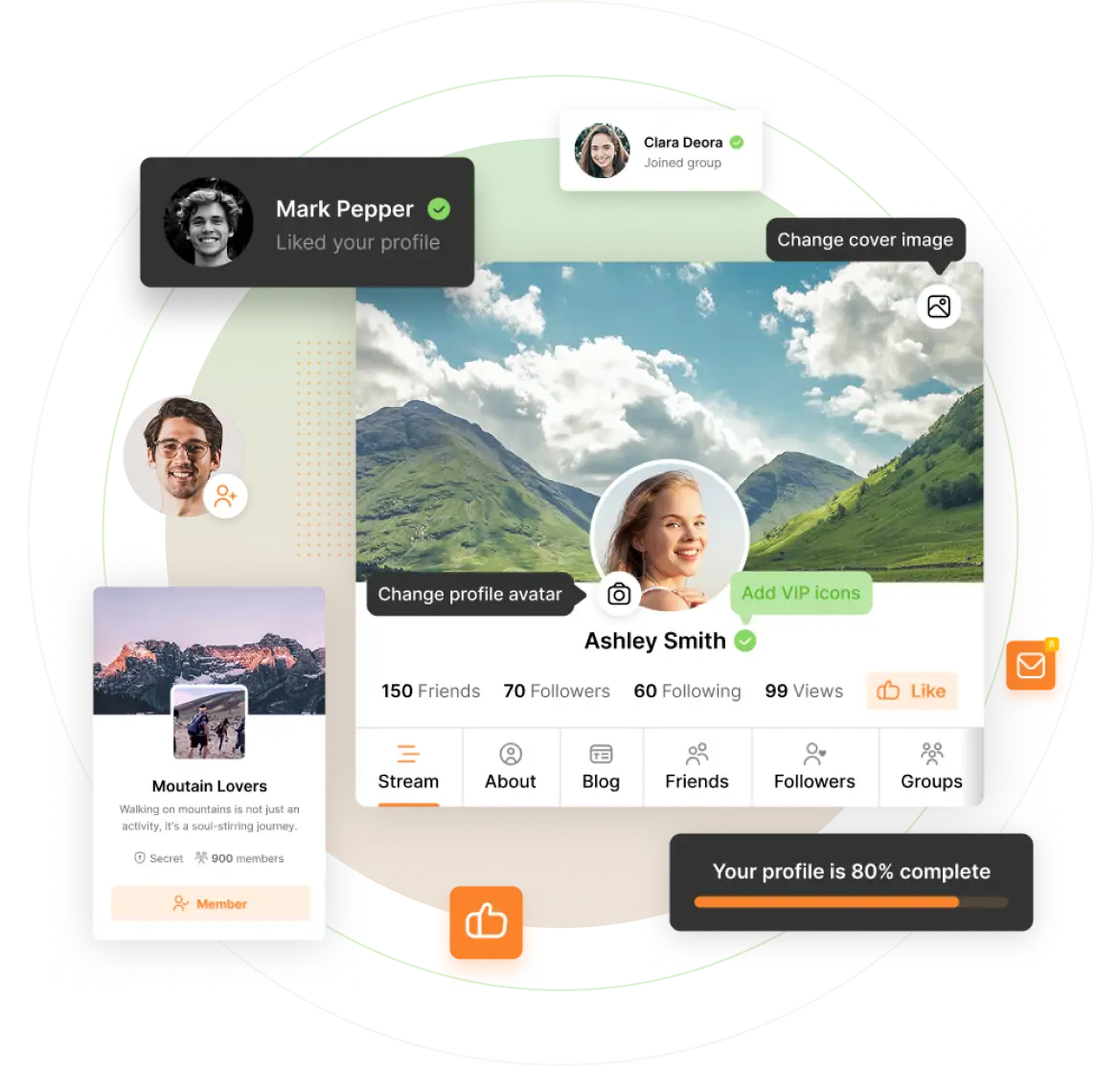
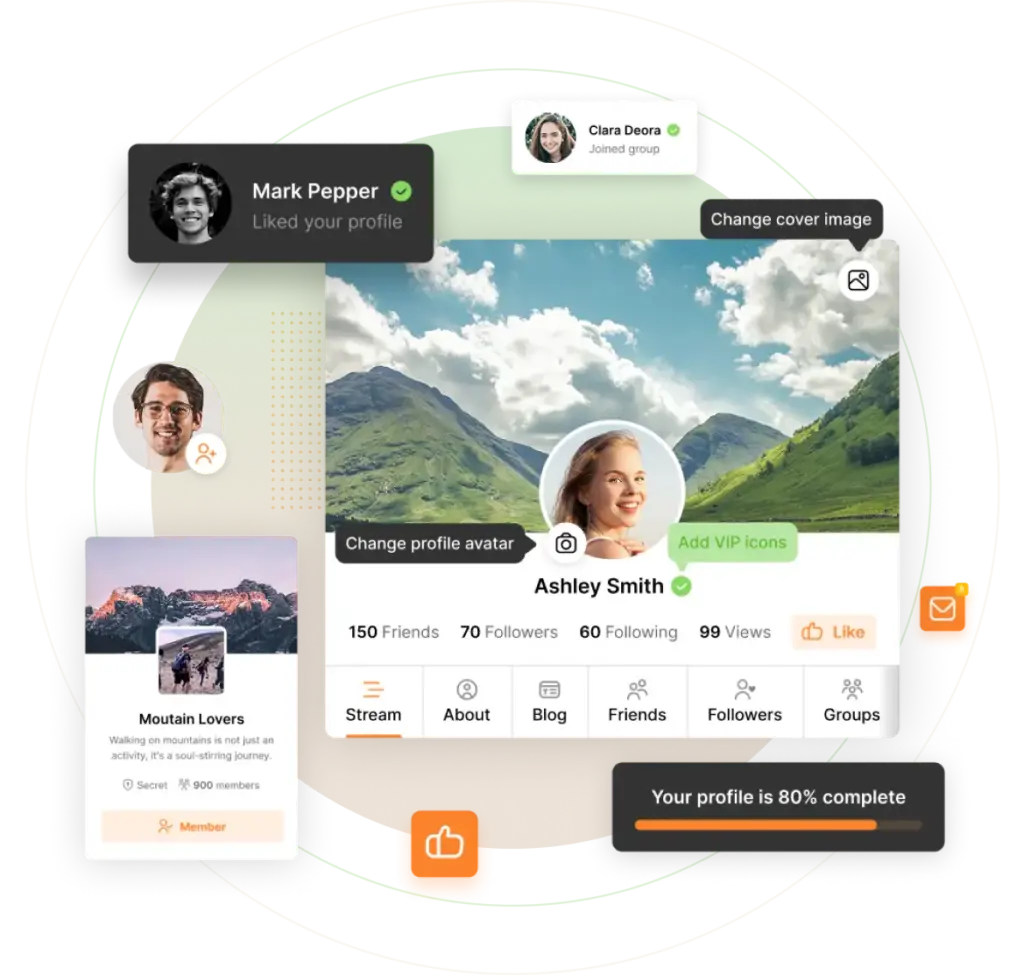
A Facebook-style community is not just a message board. People want identity, presence, and recognition. Member profiles give each person a place to add details, share updates, and connect with others.
For a creator community, profiles can help members find people with similar goals. For a course community, profiles can support peer learning. For a professional community, profiles can make networking more useful.
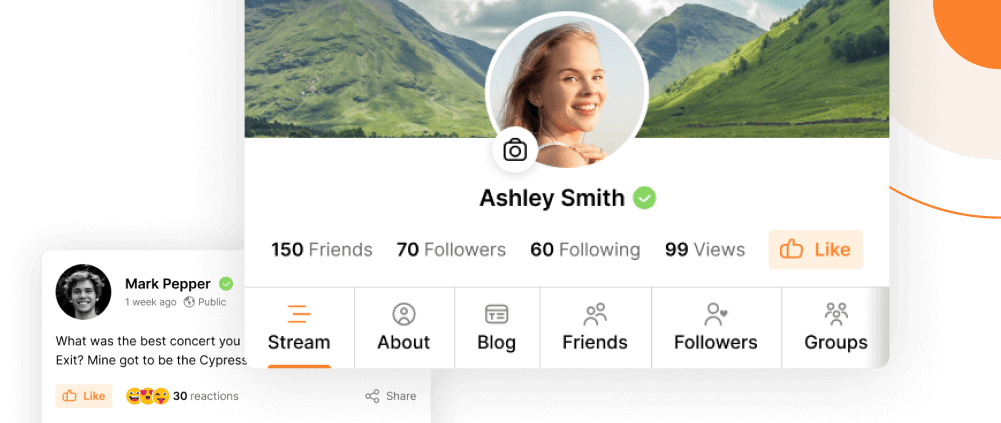
PeepSo includes member profiles designed for social interaction inside WordPress. That gives communities a more personal feel than a simple comment section or forum.
Create Groups for Focused Conversations
As a community grows, one general feed is not enough.
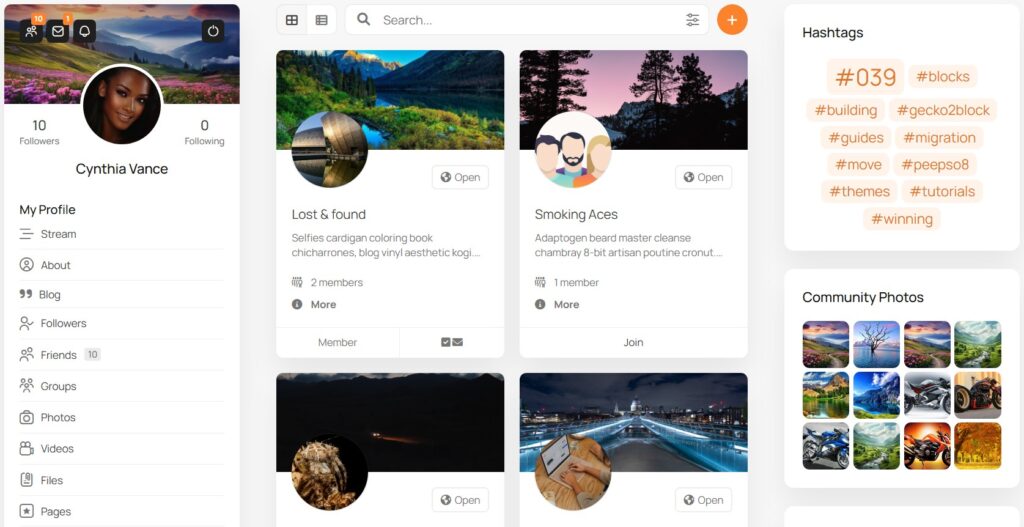
Groups help organize discussions around topics, courses, interests, locations, membership levels, events, or customer segments.
A fitness creator might create groups for beginners, advanced members, nutrition, and accountability. A course builder might create one group for each course or cohort. A membership site might create private groups for premium members.
PeepSo groups allow site owners to build focused spaces inside the larger community. This keeps discussions organized and helps members find the conversations most relevant to them.
Groups also make the community feel more personal. Members are more likely to participate when the space feels specific to their goals.
Add Private Messaging and Notifications
Public posts are important, but private interaction deepens community relationships.
Messaging gives members a way to continue conversations without leaving the website. Notifications help bring people back when someone replies, comments, mentions them, or interacts with their content.
Without notifications, even strong communities can become quiet. Members need timely signals that something relevant happened.
PeepSo includes messaging and notifications, which helps make the community feel alive and responsive.
Support Photos and Videos
Media makes a community more engaging.
Members often want to share wins, screenshots, event photos, progress updates, behind-the-scenes moments, and short videos. A text-only community can work, but media creates stronger emotional connection.
For creators and brands, media also gives the community more personality.
PeepSo supports media sharing, including photos and videos, so members can contribute richer updates inside the website.
Connect the Community to Your WordPress Business
This is where a self-hosted Facebook-style community becomes more powerful than a Facebook Group.
On WordPress, the community can connect with the rest of the business.
A course builder can pair PeepSo with LearnDash. A store owner can connect community activity with WooCommerce. A site owner can use Advanced Ads for monetization. An events-based community can connect with WP Event Manager.
That creates a full ecosystem.
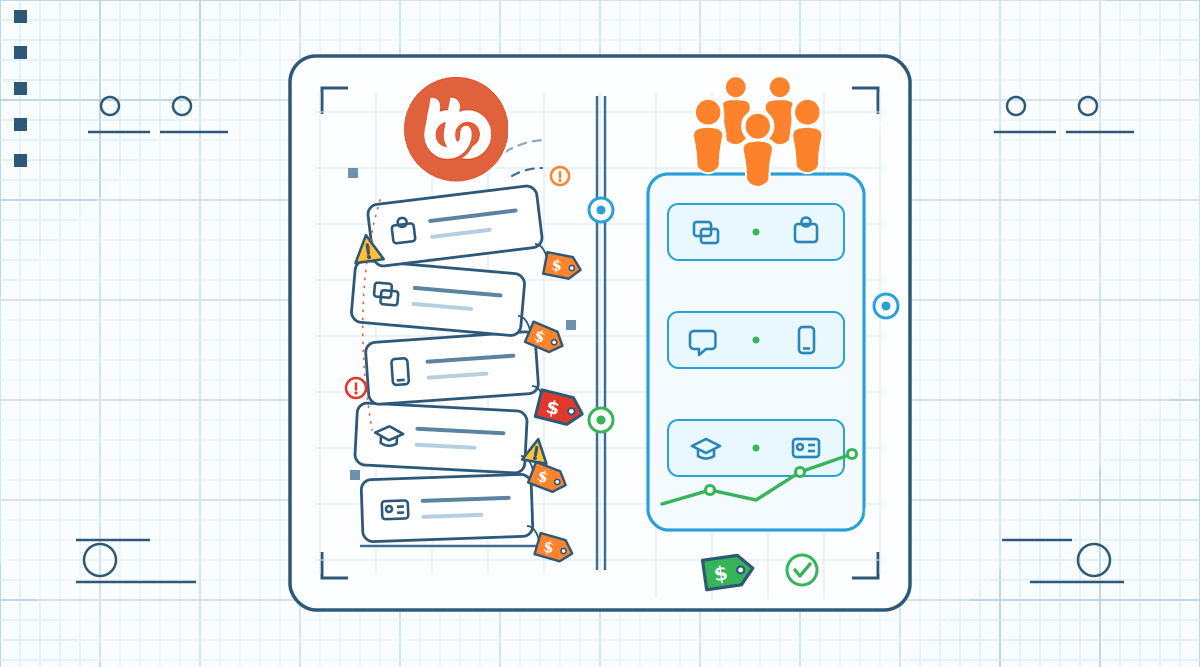
Members can learn, buy, attend, discuss, share, and return without leaving the website. The community becomes part of the business model rather than a separate channel.
Make the Community Easy to Navigate
A Facebook-style community should feel simple.
Members should quickly find the activity stream, groups, profiles, messages, notifications, and account settings.
Good navigation reduces confusion. It also increases participation because members do not need to search for the next action.
With PeepSo, community pages and navigation can be added inside WordPress, which helps site owners build a clear member experience around the community.
Practical Setup Flow
Start by installing WordPress on reliable hosting.
Choose a clean theme that works well with community layouts.
Install PeepSo and configure the core community pages.
Set the activity stream as the main community hub (home page).
Create member profile fields that match the community purpose.
Set up groups based on topics, courses, member levels, or interests.
Enable messaging and notifications.
Add media sharing so members can post photos and videos.
Connect relevant WordPress tools such as WooCommerce, LearnDash, Advanced Ads, or WP Event Manager.
Seed the community with useful starter posts before inviting members.

PeepSo Power Suite
Conclusion
Creating a Facebook-style community on your own website gives you more ownership, more control, and more flexibility than building only on social media.
The goal is not to copy Facebook completely. The goal is to give members the familiar social features they already understand while keeping the community connected to your WordPress website.
PeepSo is the practical solution for this because it brings activity streams, profiles, groups, pages, messaging, notifications, and media sharing into WordPress.
For creators, membership site owners, course builders, and entrepreneurs, that means the community can become part of the business rather than a separate audience rented from another platform.

Reactions & comments
Comments